

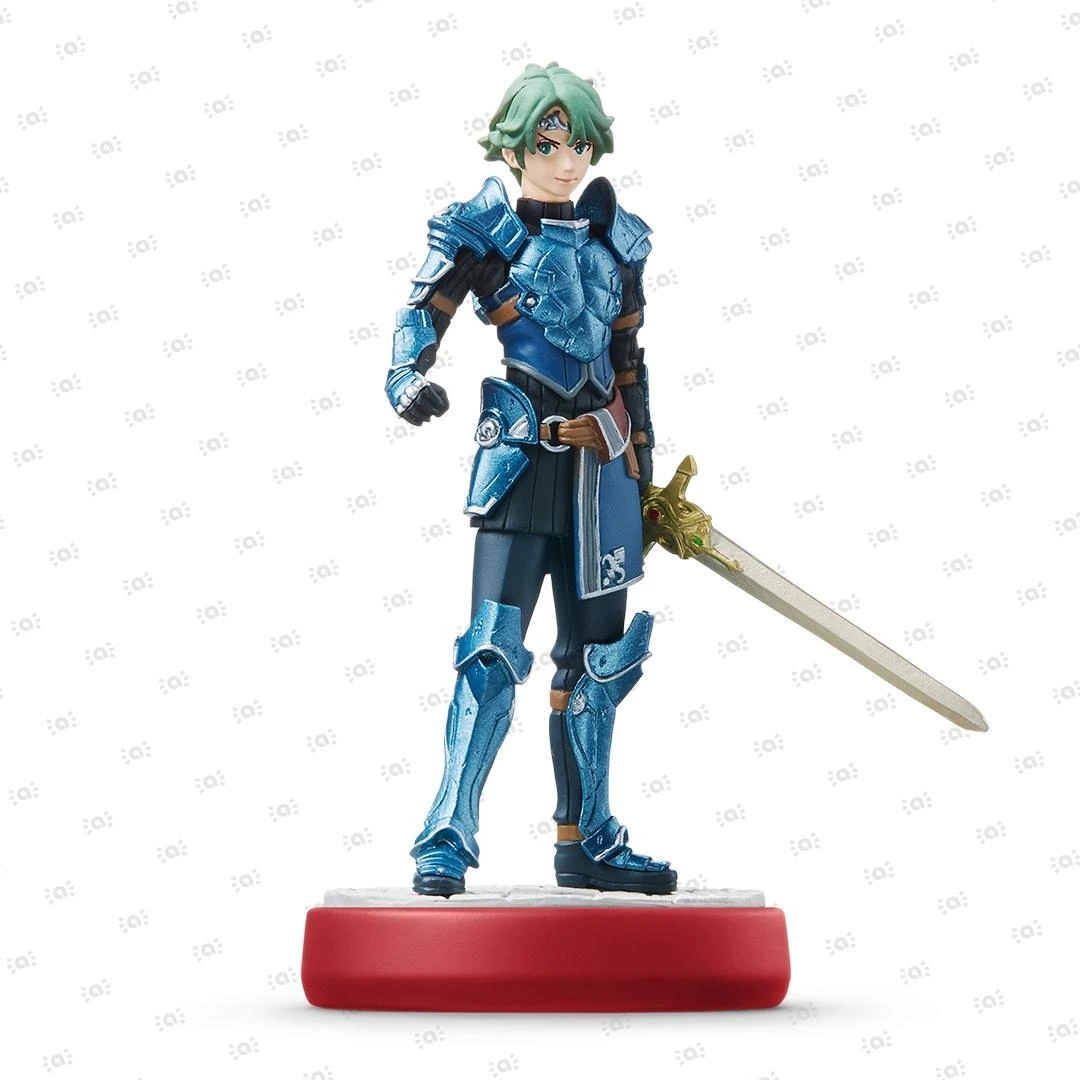
 Fire Emblem Collection
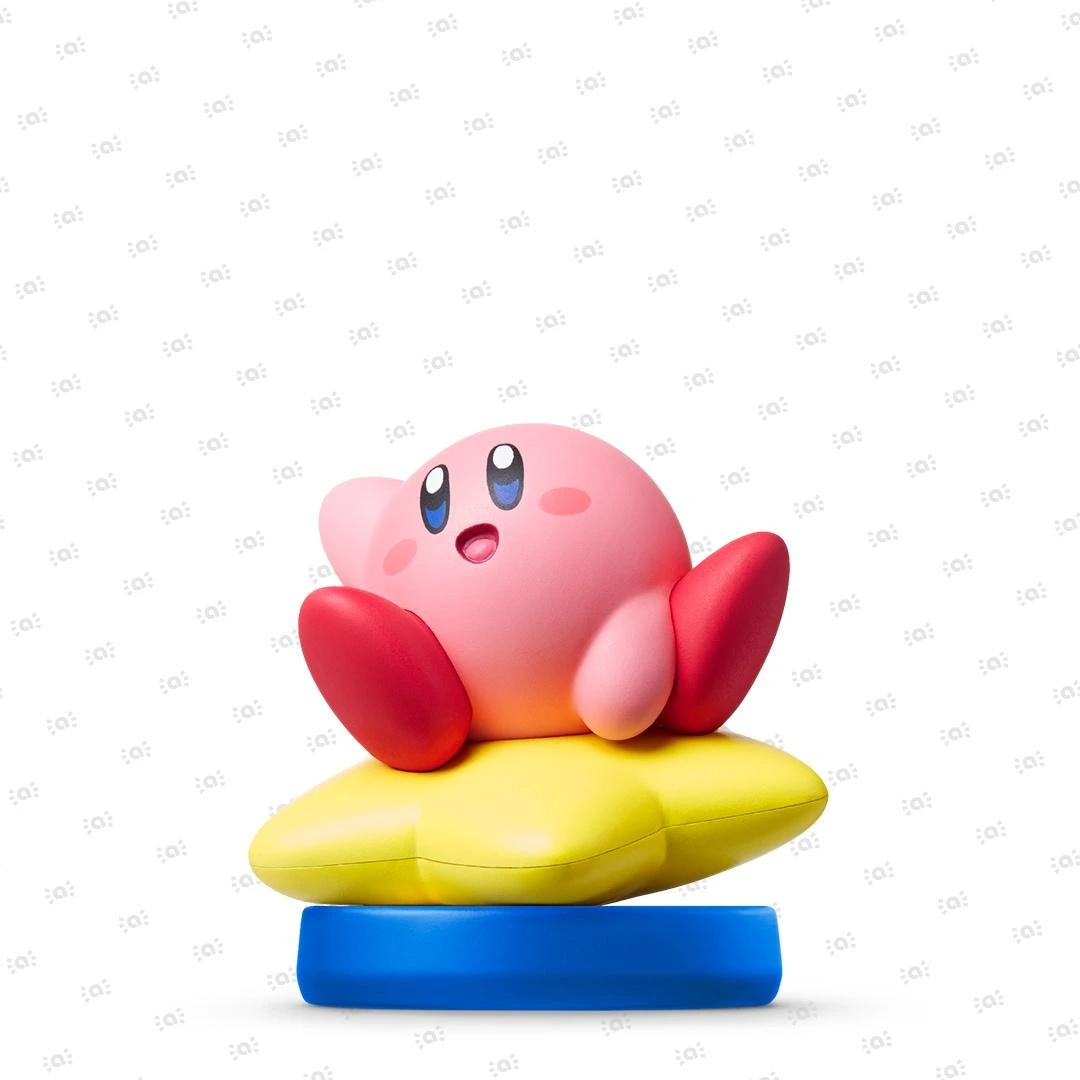 Kirby Collection
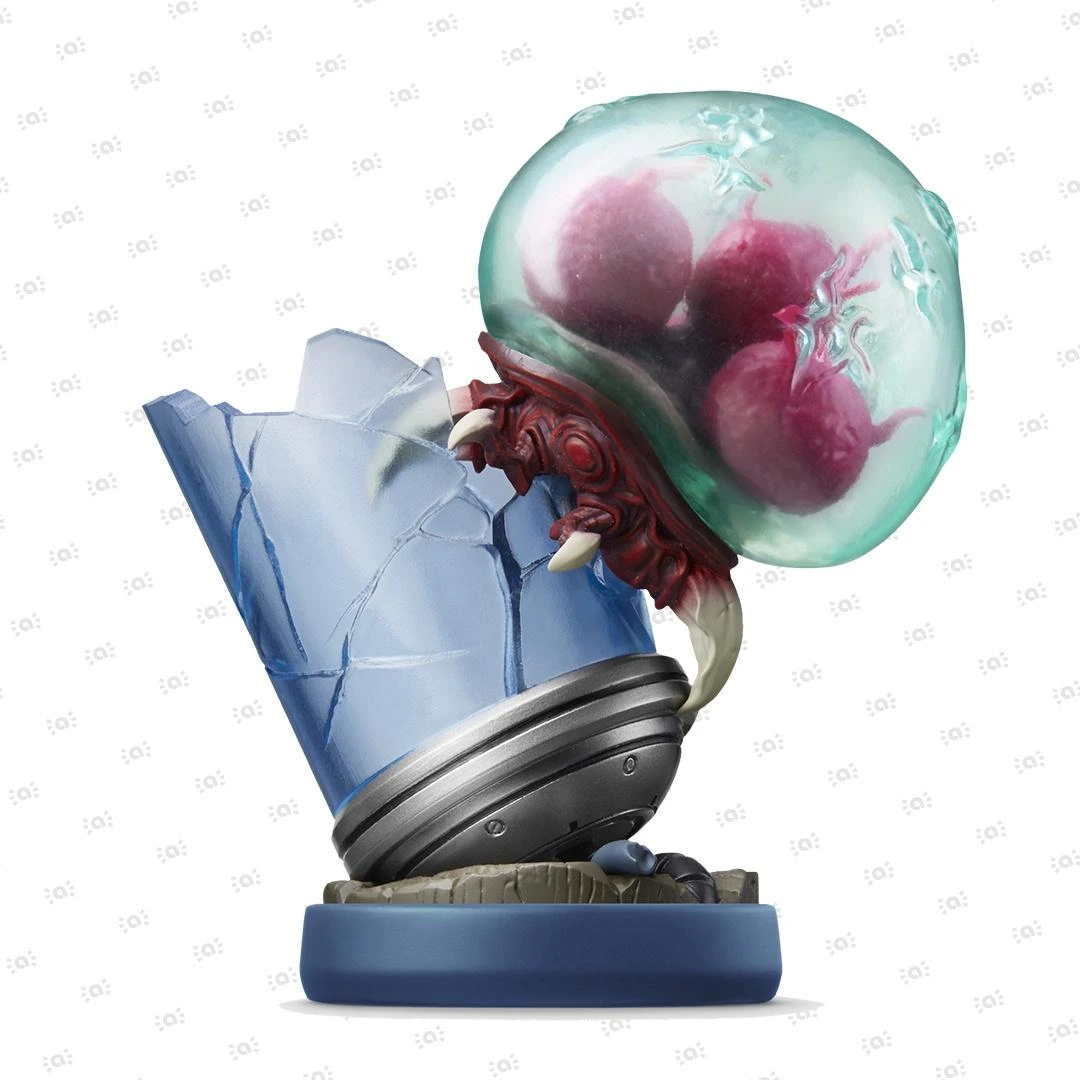 Metroid Collection
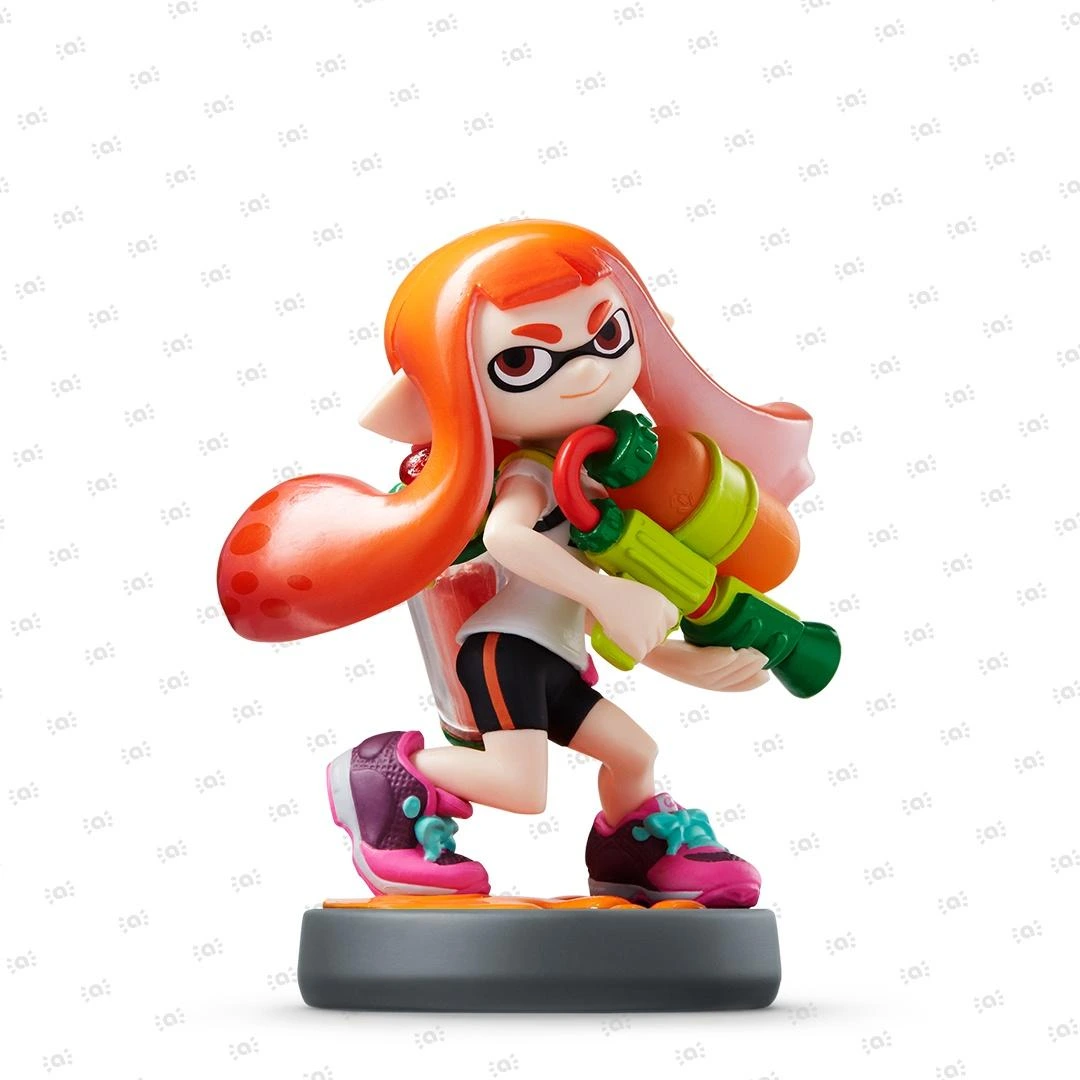 Splatoon Collection
 Super Mario Bros. 30th Anniversary Collection
 Super Smash Bros. Collection
 The Legend of Zelda Collection


Li-ion batteries and problems
In order for a power supply (mains adapter, charger, power supply) to be discharged, you can disconnect it completely from 230 V for a certain amount of time (a rule of thumb says two hours, but less can also be enough. With at least two hours you can be sure). However, it is a different matter with the console and the batteries, because as a regular consumer you cannot discharge the device yourself and therefore have to wait until the device is completely without power. For various reasons, it can be difficult to determine when the device is truly out of power. The only option here is to try to turn on the device and then leave it for a while and then try to charge it directly from the power supply that is, without using the Nintendo Switch Dock.
Li-ion batteries generally don't like large temperature swings, which can cause them to lock up. You as a consumer have the same possibilities to charge the battery as above for the console itself.
Li-ion batteries also need power during charging ("Sleep Mode" is the best option), otherwise their lifespan will decrease over time. Unfortunately, a particular device's power management cannot fully handle this, which can cause the power management to become out of balance over time.
A Li-ion battery is designed for what is popularly called "trickle charging", which means that the life of the battery is not shortened by this type of charging.
The device's power management can become faulty over time for the above reasons and cause various problems, such as reduced battery life (if it is only visible on the battery indicator) or the device not turning on because it thinks it has no power.
If you have problems with your device's battery life even when fully charged, you can try correcting your device's Energy Management by following the process below (this applies to all devices that use Li-ion batteries):
- Charge the device in sleep mode to 100% (directly from the power supply, without using docking stations, charging stands or the like).
- Select Console and turn off all sleep modes (on smart devices you should also turn off all notifications, as they consume a lot of power).
- Leave the device switched on without using it until the battery level drops to 1–2%. The Nintendo Switch 2, Nintendo Switch 2019, Nintendo Switch – OLED Model and Nintendo Switch Lite last for around 8–9 hours (this may vary depending on whether it is connected to the internet and the brightness setting), whilst the Nintendo Switch 2017 lasts for around half that time.
- Recharge the device in sleep mode.
- Repeat up to 3 times if necessary.
Docking station
Docking stations that include a LAN adapter also have Safe Mode on the LAN section. Therefore, if you cannot connect a console via a cable connection whilst it is in the docking station, it is possible that the LAN adapter section has entered Safe Mode. As with other instances of Safe Mode, the solution may be to switch off the power for a few hours. (Please note that the Nintendo Switch 2 is not automatically connected to a wired connection when placed in the Nintendo Switch 2 dock; you must therefore search for a network the first time).
Nintendo Switch consoles also have a TV output feature called Match TV Power State, where a signal is sent to the TV when the console is switched on (or placed in the connected docking station), and the TV should then switch on and switch to the correct input signal automatically. Not all TVs support this; there may be TV screens where you must manually switch the input signal to get the picture to appear. It is also possible that this function in the docking station may be affected by Safe Mode; in that case, the function must be switched off and then on again, after which it should work properly once more.
