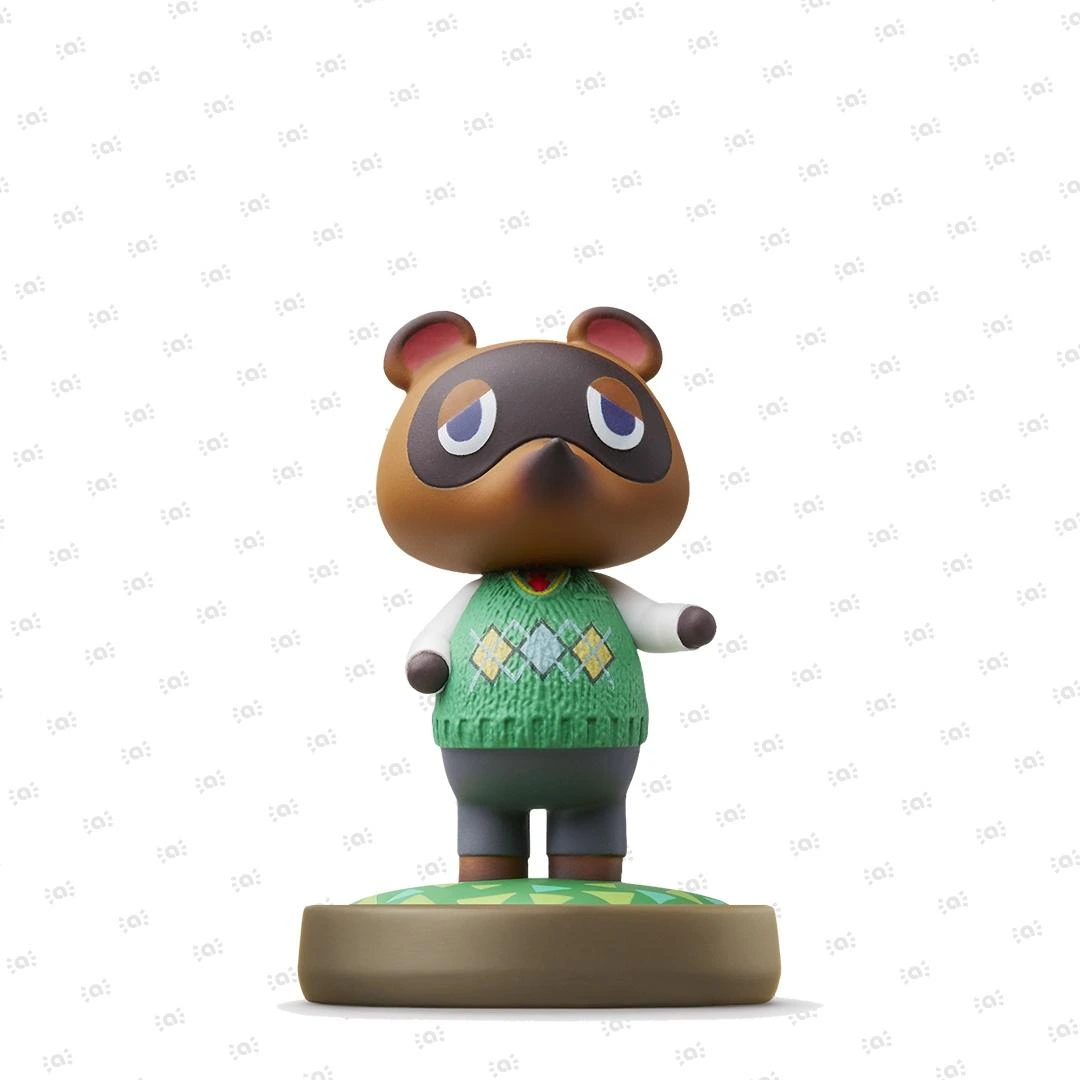

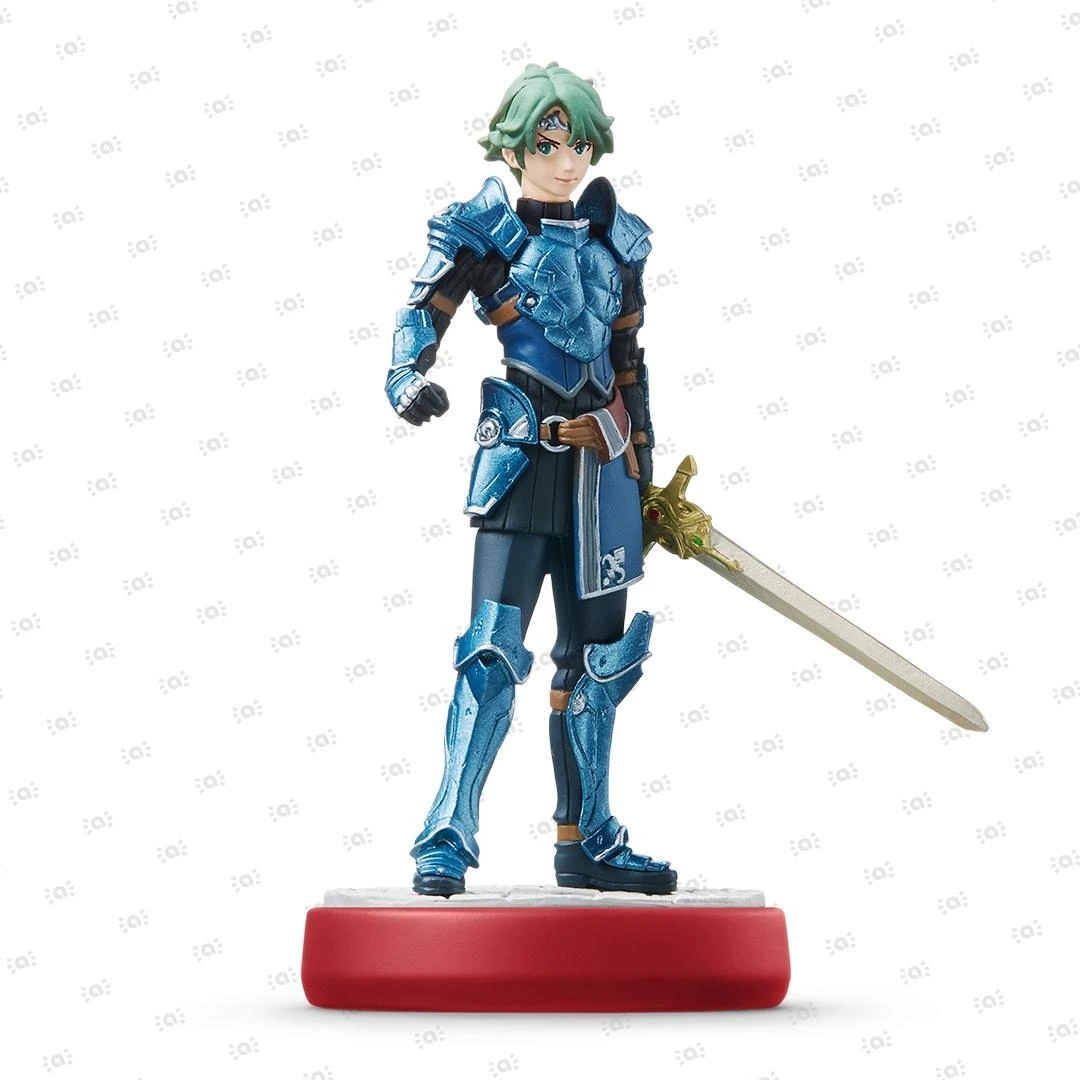
 Fire Emblem Collection
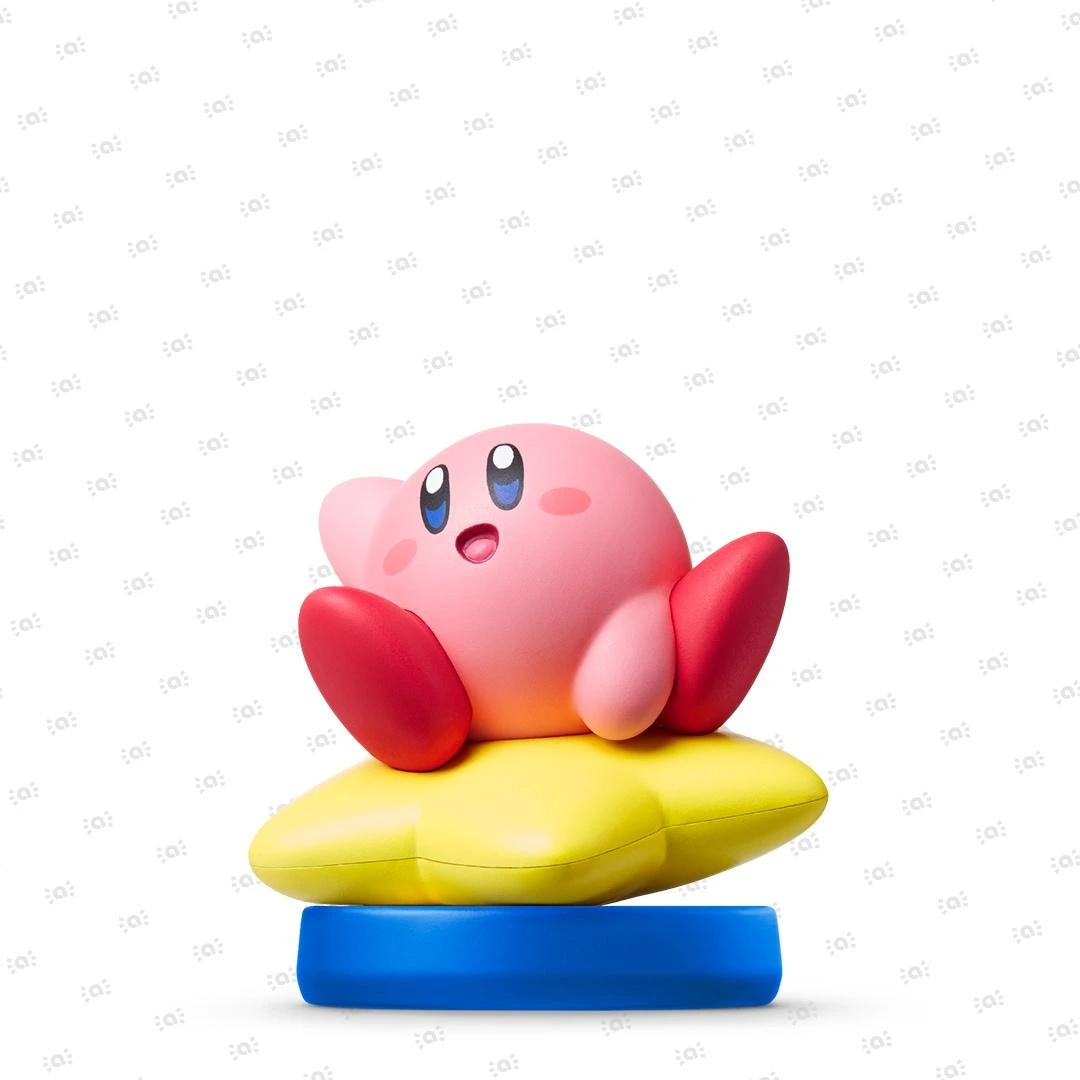 Kirby Collection
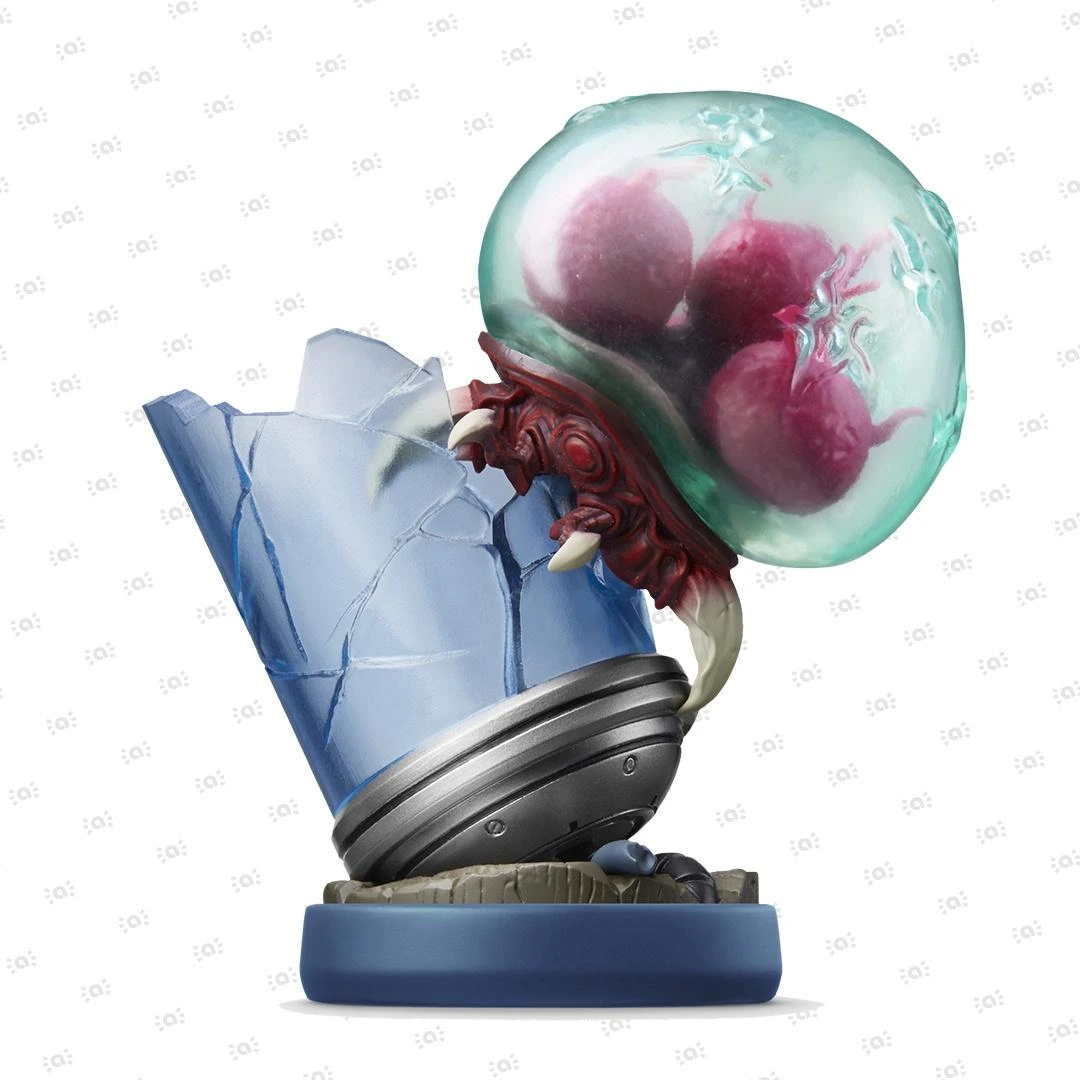 Metroid Collection
 Splatoon Collection
 Super Mario Bros. 30th Anniversary Collection
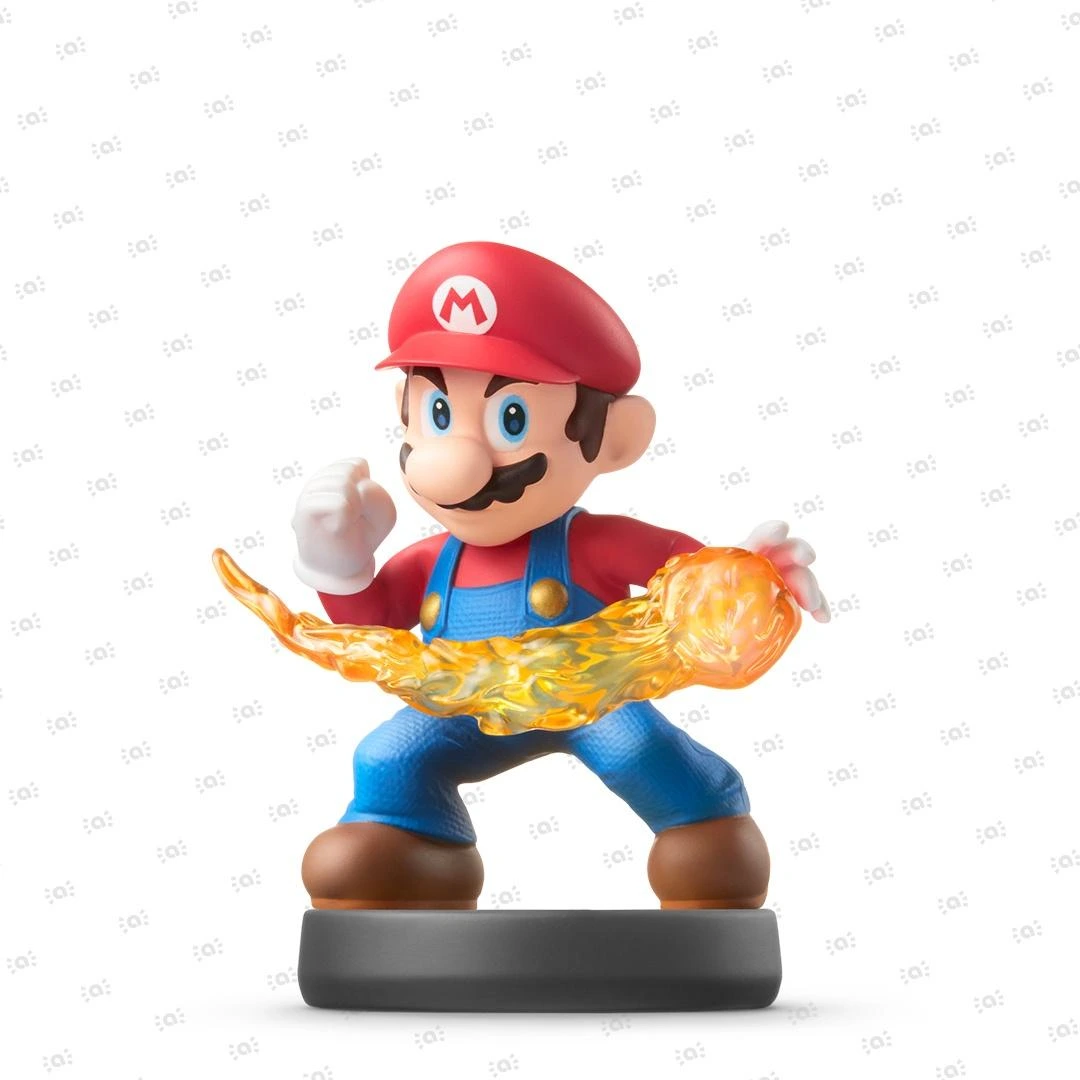 Super Smash Bros. Collection
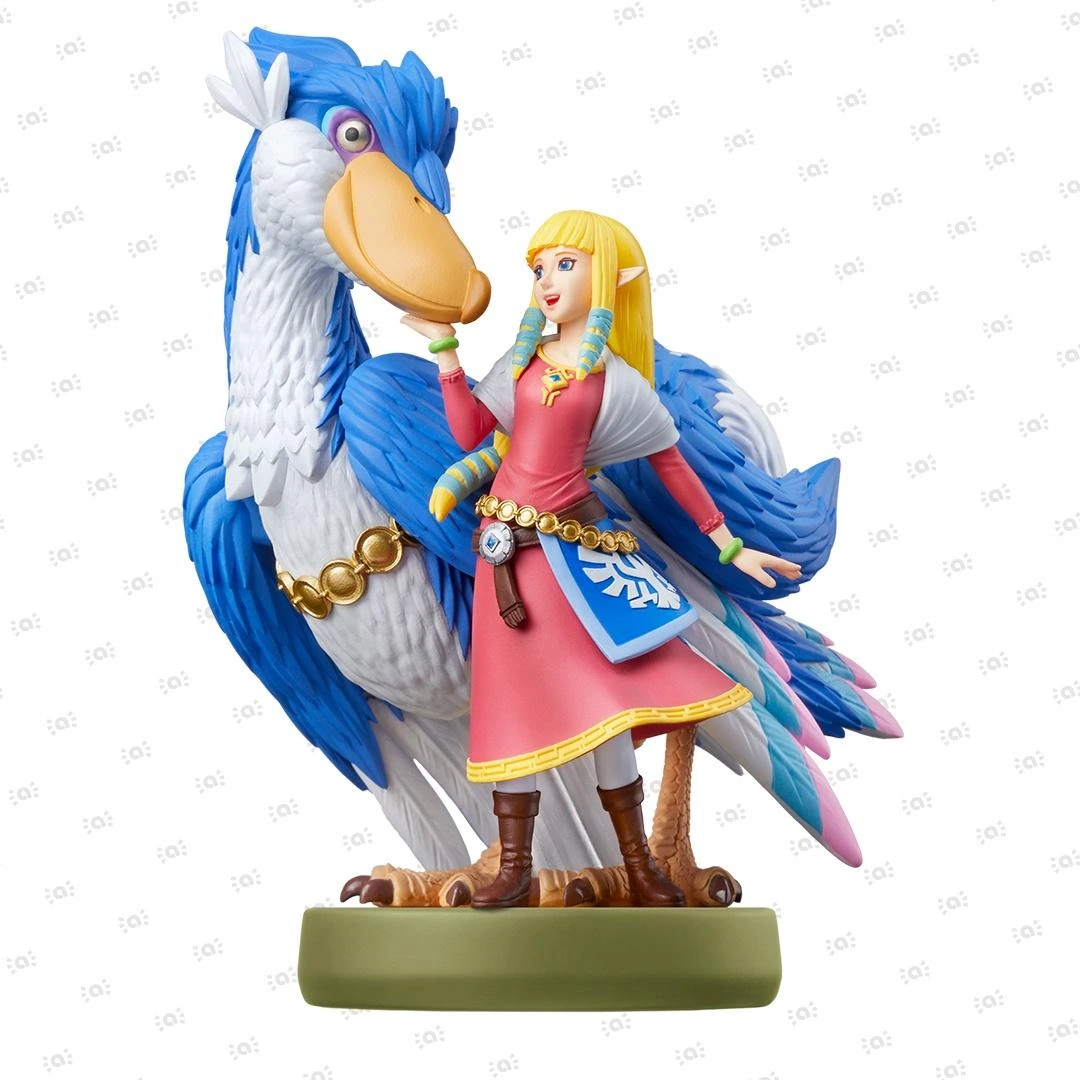 The Legend of Zelda Collection


How To Perform a Factory Reset on Nintendo Sound Clock: Alarmo
Steps for when you need to restore Nintendo Sound Clock: Alarmo to factory settings and wipe all data from the device.
Before you start:
You will need:
- Your Nintendo Sound Clock: Alarmo device
What to do:
- Open the menu by pressing the dial (Confirm Button) once.
- Turn the dial to find the Settings screen.
- Press the Confirm Button.
- Turn the dial to find the Restore Factory Settings screen.
- Press the Confirm Button.
- Follow the on-screen instructions to agree to the factory reset.
- Press the Confirm Button to perform the reset and restore the device to factory settings.
