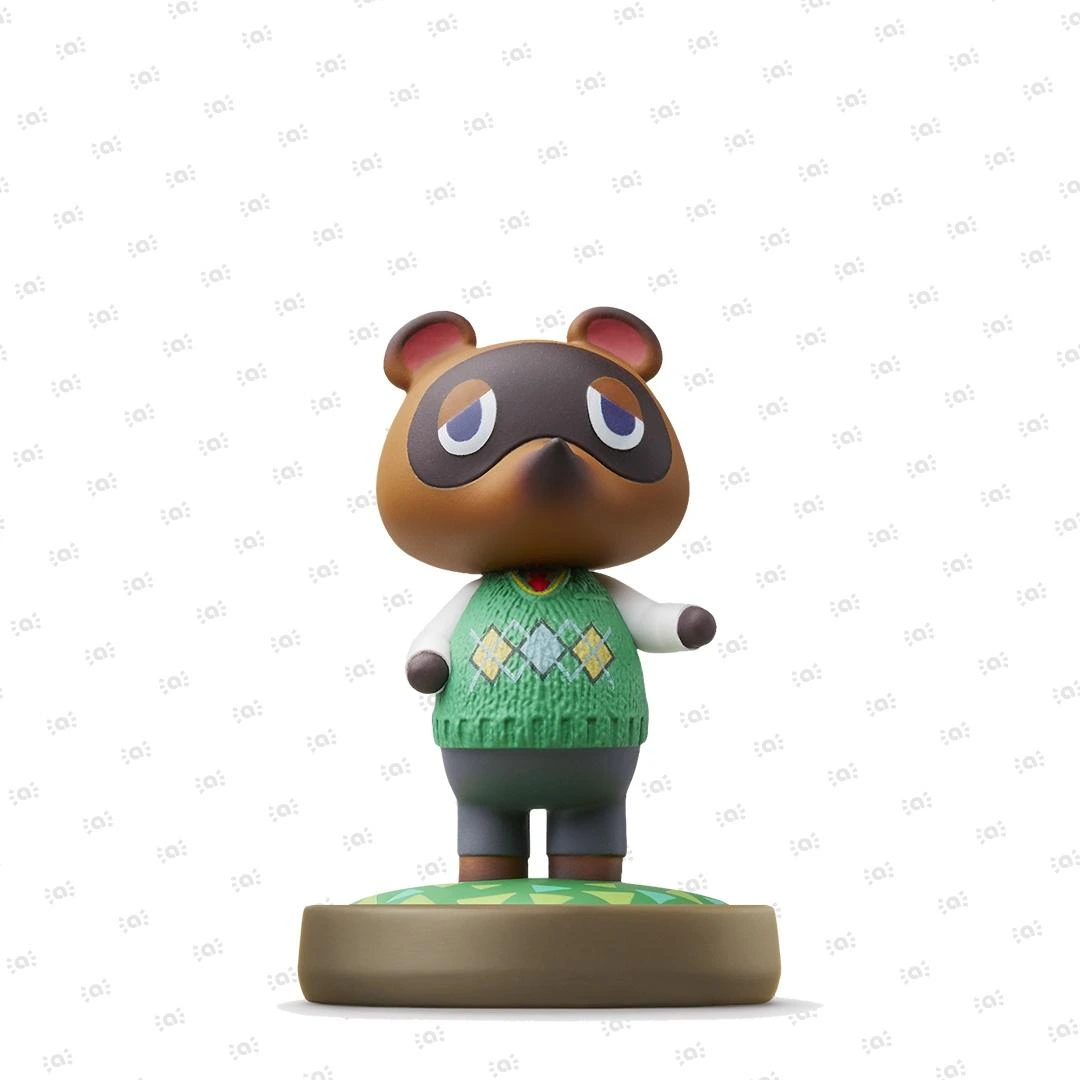

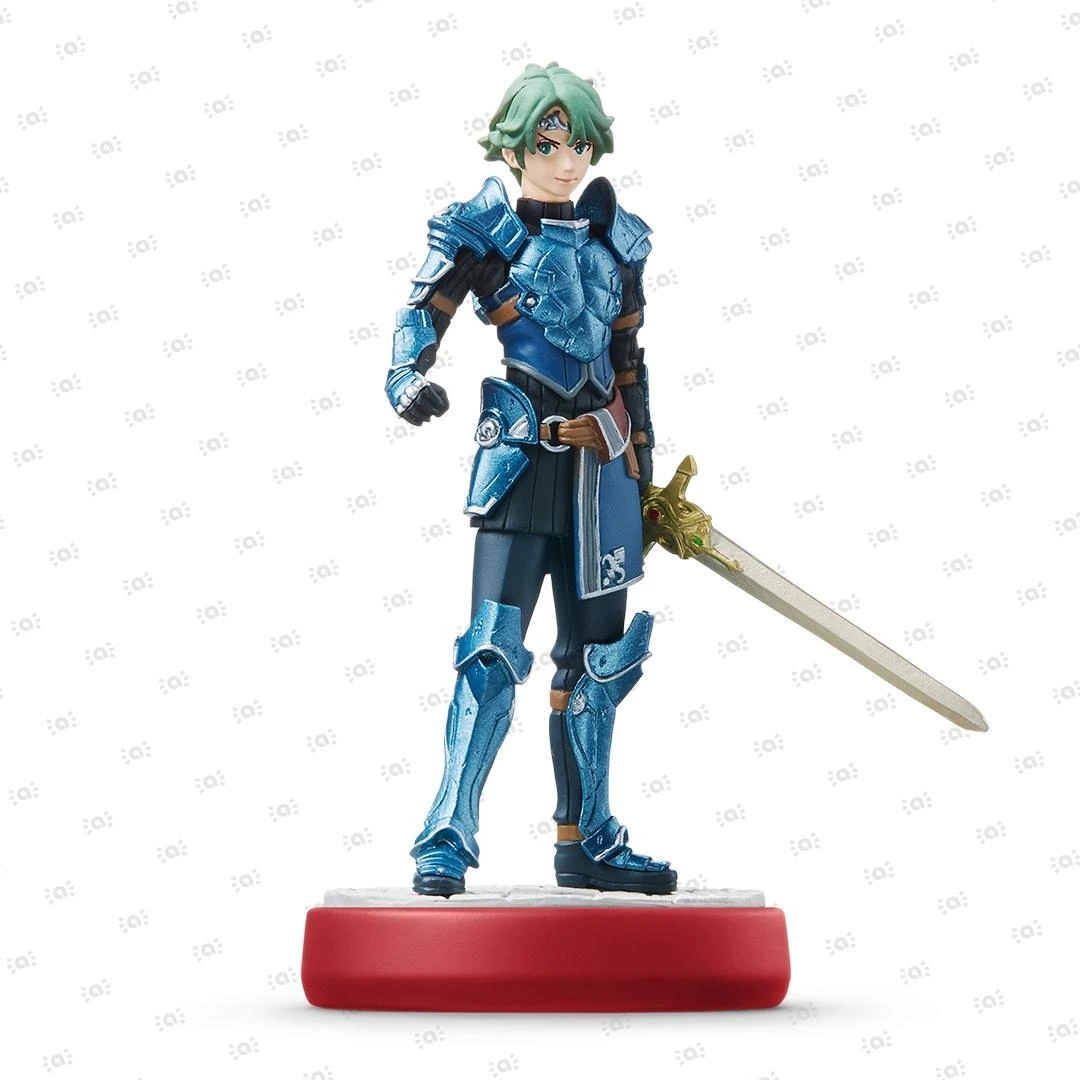
 Fire Emblem Collection
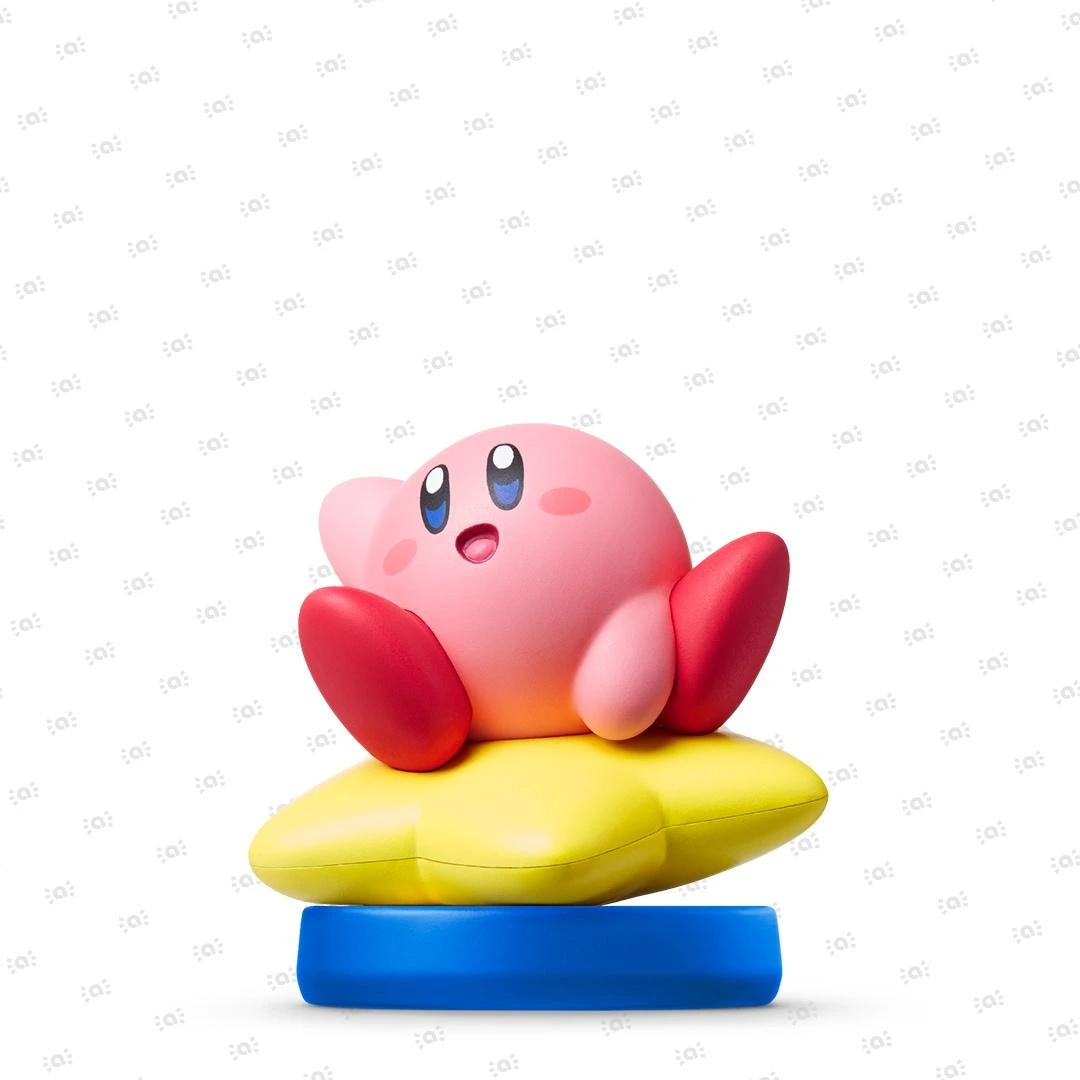 Kirby Collection
 Metroid Collection
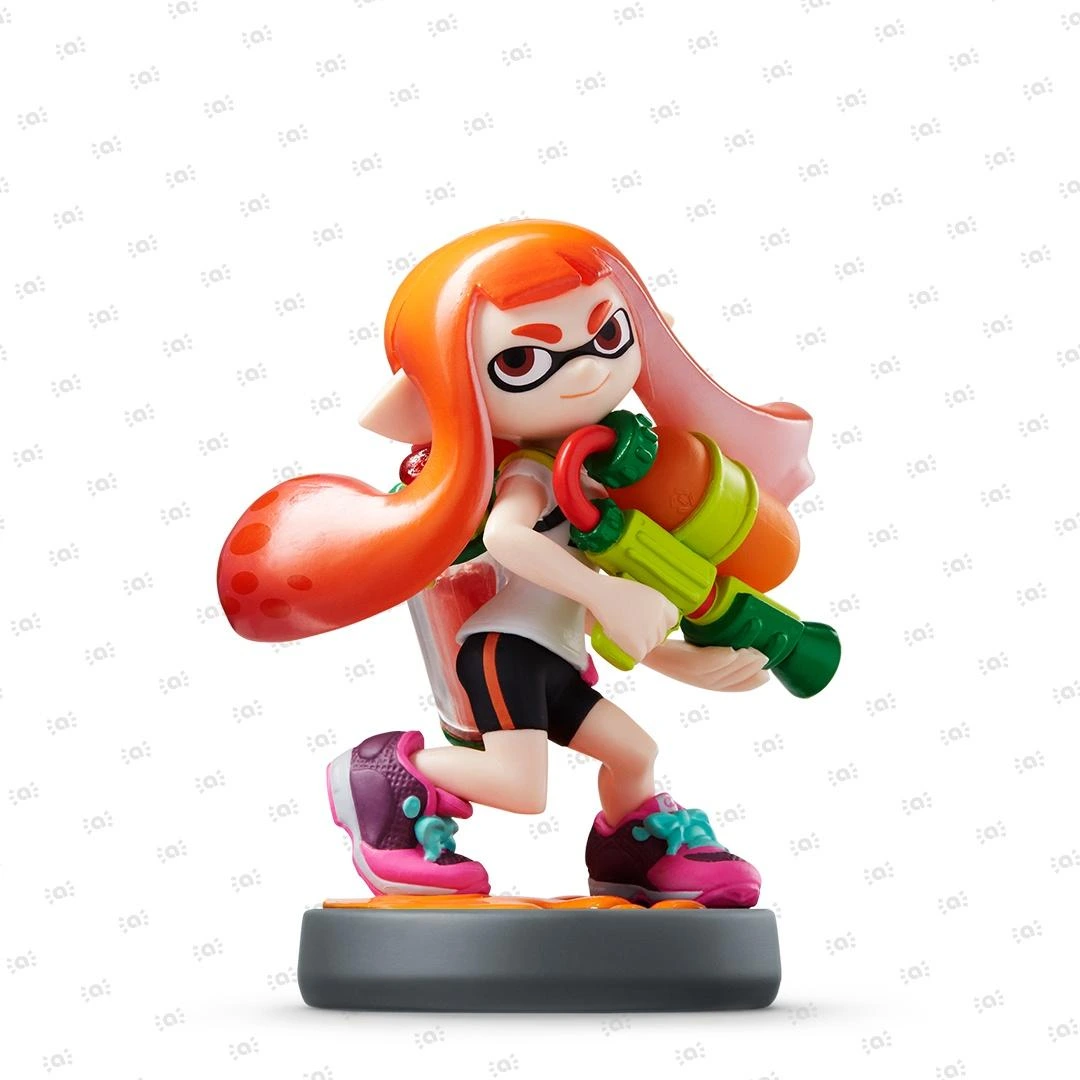 Splatoon Collection
 Super Mario Bros. 30th Anniversary Collection
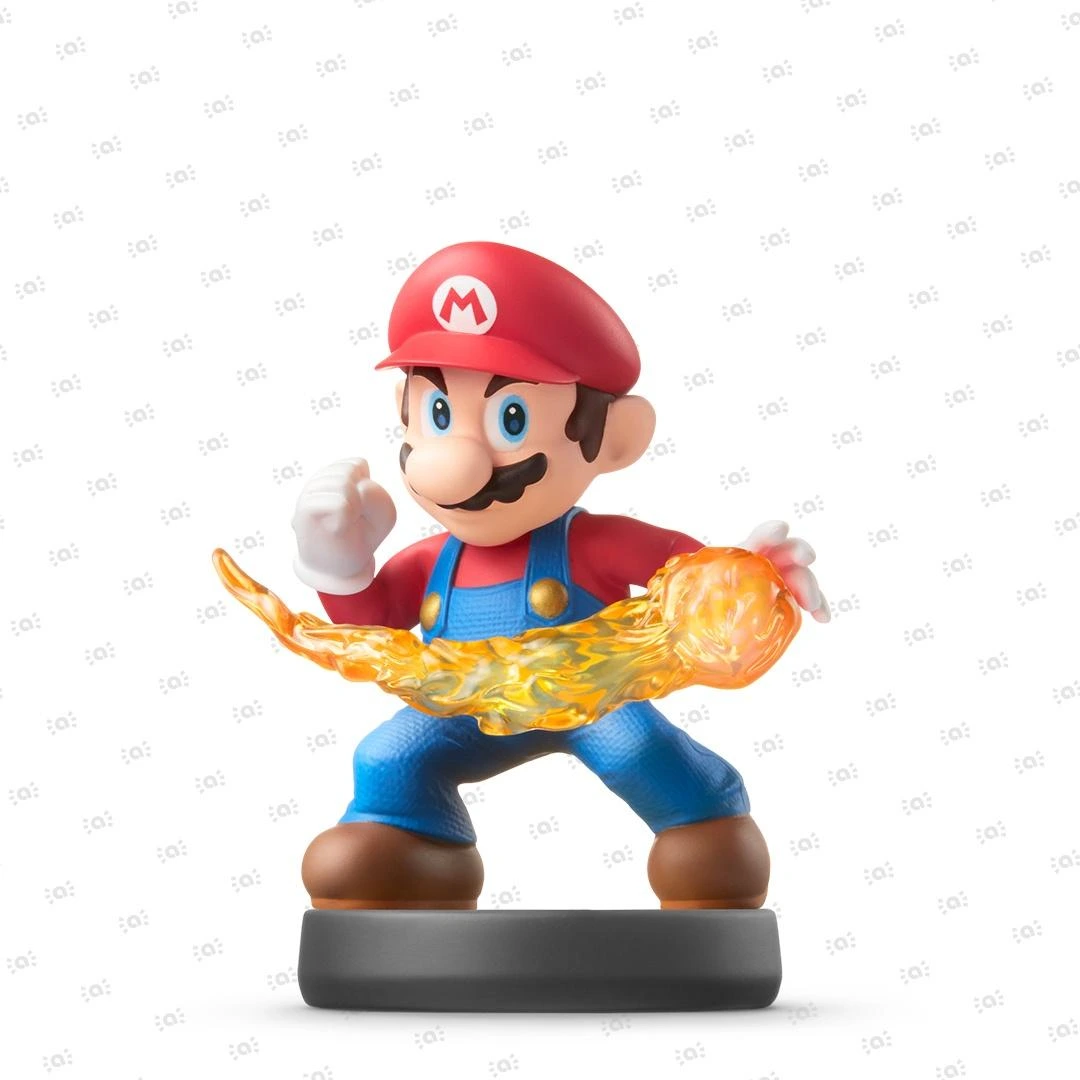 Super Smash Bros. Collection
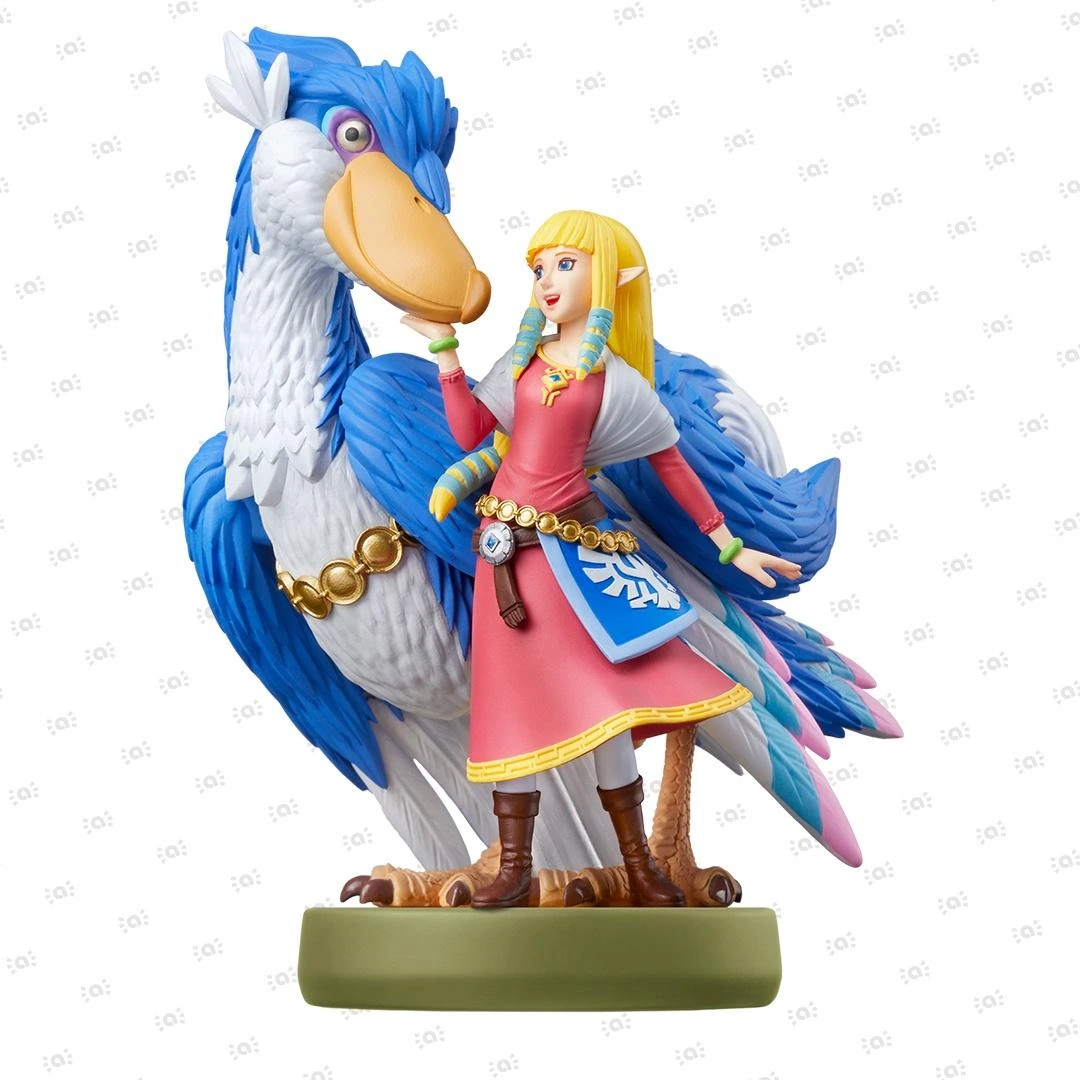 The Legend of Zelda Collection


Nintendo Switch 2 – Nintendo Switch Parental Controls
As a parent, it's not always easy to keep an eye on your children's time spent with entertainment devices. The Nintendo Switch Parental Controls smart device app is a free app for smart devices which you can link with Nintendo Switch 2 and Nintendo Switch to easily check what and how your children are playing. If you don't have a smart device you can also set certain restrictions on Nintendo Switch 2 and Nintendo Switch directly.
“Is my child playing video games too much?”
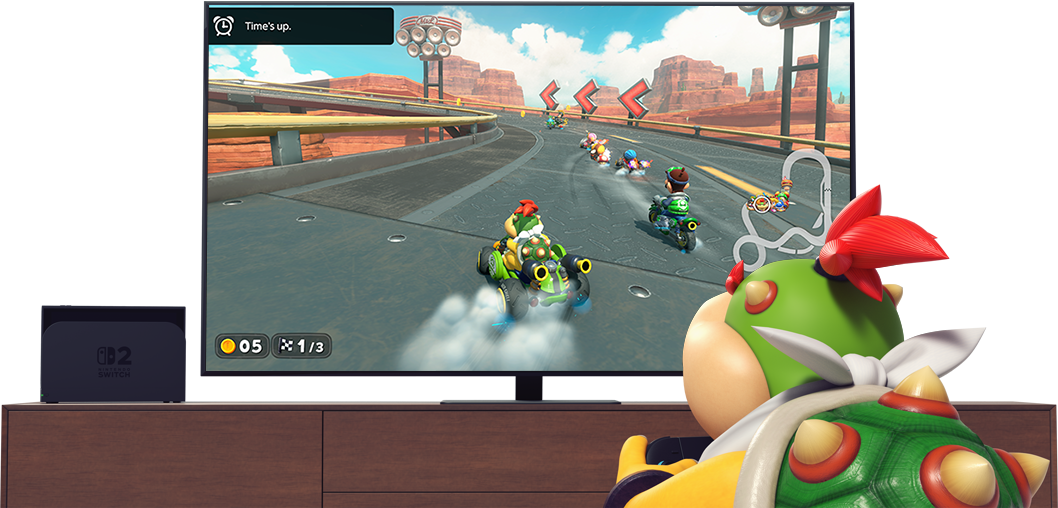

Check up on your child’s gameplay time.
You can set a time limit for how long your child is allowed to play. When it’s time, the console will show a notification to let them know their game time is up.
You can also comfortably check whether your children are keeping to the set time or not. If you use the Suspend Software feature, the console will notify them that their game time is up and put itself into sleep mode automatically.
“Who are they communicating with?”
Some games on Nintendo Switch 2 and Nintendo Switch allow users to communicate with each other, such as by exchanging messages or images. Parents and guardians can use this app to restrict such features, either on a per game basis or for all games.
Please note that these options do not apply to GameChat settings, which must be adjusted separately.

GameChat on Nintendo Switch 2
With Nintendo Switch 2's GameChat feature, it’s possible to communicate via voice chat and video chat while playing games with friends. You can manage your child's chat access using the Nintendo Switch Parental Controls app.
Please note: in order for children under 16 to be able to use GameChat, a parent or guardian must first allow use of the feature in the Nintendo Switch Parental Controls app.
GameChat is included with any Nintendo Switch Online paid membership.
Check who they're chatting with
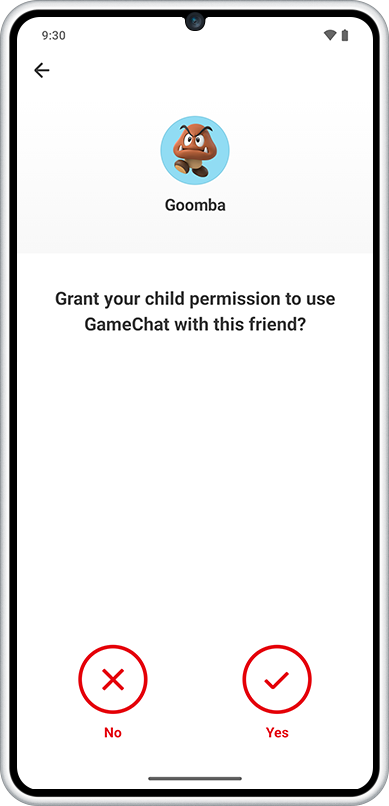
It's only possible for a child to use GameChat with people who have been approved by their parent or guardian.
By checking that your child knows the other person before approving GameChat usage, parents and guardians can prevent their children from speaking with strangers.
Restrict video chat
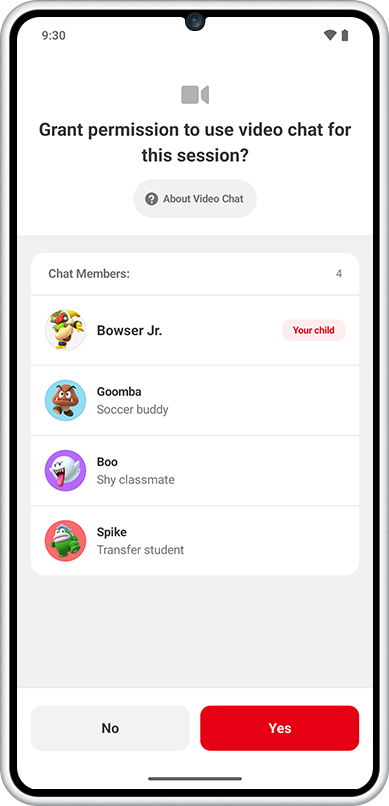
Video chat is also possible via GameChat using a compatible USB-C camera (sold separately). Permission is required from a parent or guardian every time your child wants to use video chat. When your child tries to start a video chat, a request will be sent to their parent or guardian's app. The video chat can only proceed if you approve it.
View GameChat history
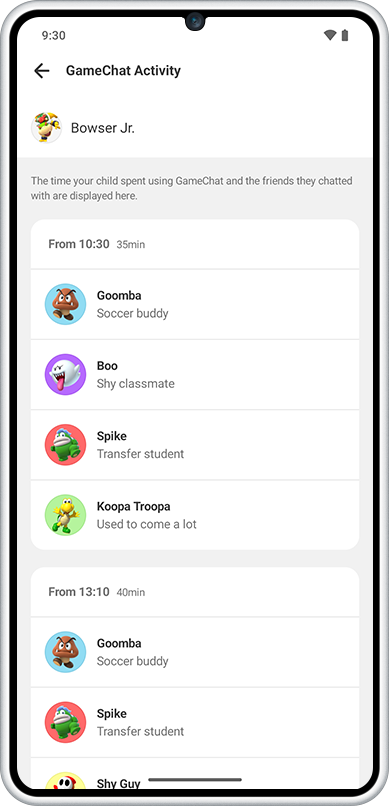
Keep track of which types of chats your child took part in, with who, at any time.
“What kinds of games are they playing?”
Check what your child is playing.
The app also lets you see which video games your child has been playing, and for how long.
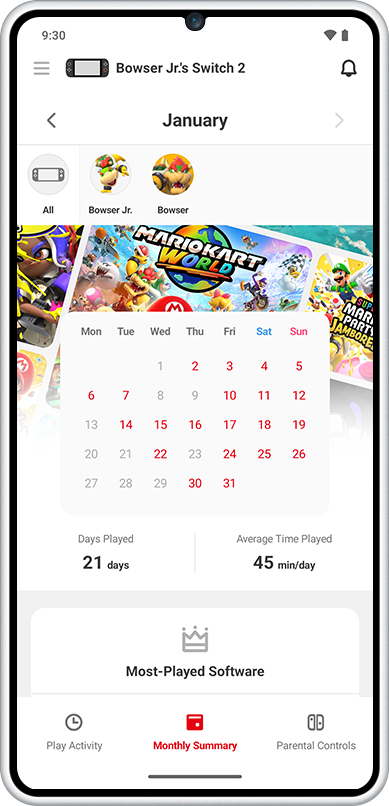
In addition to seeing what your children have been playing daily, you can also get a monthly summary of your child's play activity in the app.
At a glance, you can see what kinds of games your child is interested in.
“Can I limit games according to my child’s age?”
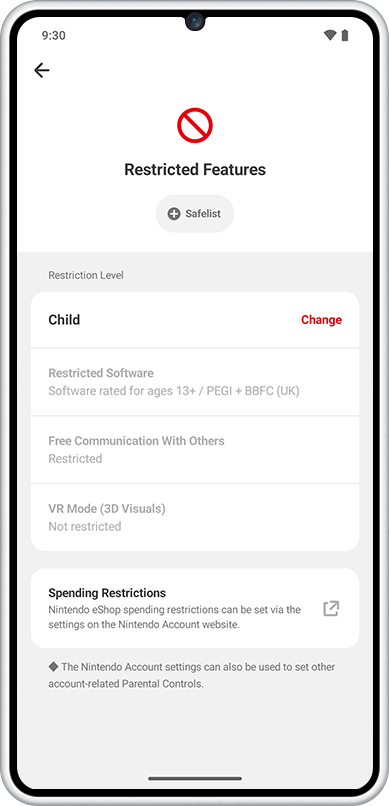
Yes, you can set age-appropriate limits for the games they play. The following settings are available:
Features that can be restricted
| Prevent children from playing games that are inappropriate for their age | You can set which games can be played based on their assigned age rating. |
| Restrict communication with other users | You can restrict your child’s ability to exchange messages and images with other users in games. This restriction can also be set for individual games. Please note: these settings do not apply to GameChat. |
| Restrict the ability of posting screenshots to social media | You can restrict your child’s ability to post screenshots captured on Nintendo Switch to social media. Please note: it’s not possible to post directly to social media from Nintendo Switch 2, so this setting does not exist for Nintendo Switch 2. |
| Restrict VR mode (3D visuals) | You can restrict games that use VR mode*. It is recommended that you restrict VR mode if the console will be used by children aged six or under. *This is a mode for playing VR compatible titles that use the Toy-Con VR Goggles accessory included with Nintendo Labo Toy-Con 04: VR Kit. Please note that Nintendo Labo Toy-Con 04: VR Kit is not compatible with Nintendo Switch 2. |
Please note: the age-based restrictions listed above can also be set directly on the console.
In order to use the Nintendo Switch Parental Controls smart device app, a parent or guardian (aged 18 or above) needs to have a Nintendo Account. Click here to create a Nintendo Account (external link). Please also note that the purchase of products or services from Nintendo eShop can be restricted via Nintendo Account settings.
Please note: restrictions on purchasing products or services on Nintendo eShop can be set from the Nintendo Account settings.
Easily transfer settings from Nintendo Switch to Nintendo Switch 2
Using the system transfer feature, you can easily transfer any digital games you've purchased on Nintendo Switch, along with save data, to Nintendo Switch 2. You can also transfer your Parental Controls and other settings as-is, so you and your child can safely enjoy Nintendo Switch 2 straight away. Please note that GameChat settings will need to be adjusted.
FIND OUT MORE ABOUT SYSTEM TRANSFER