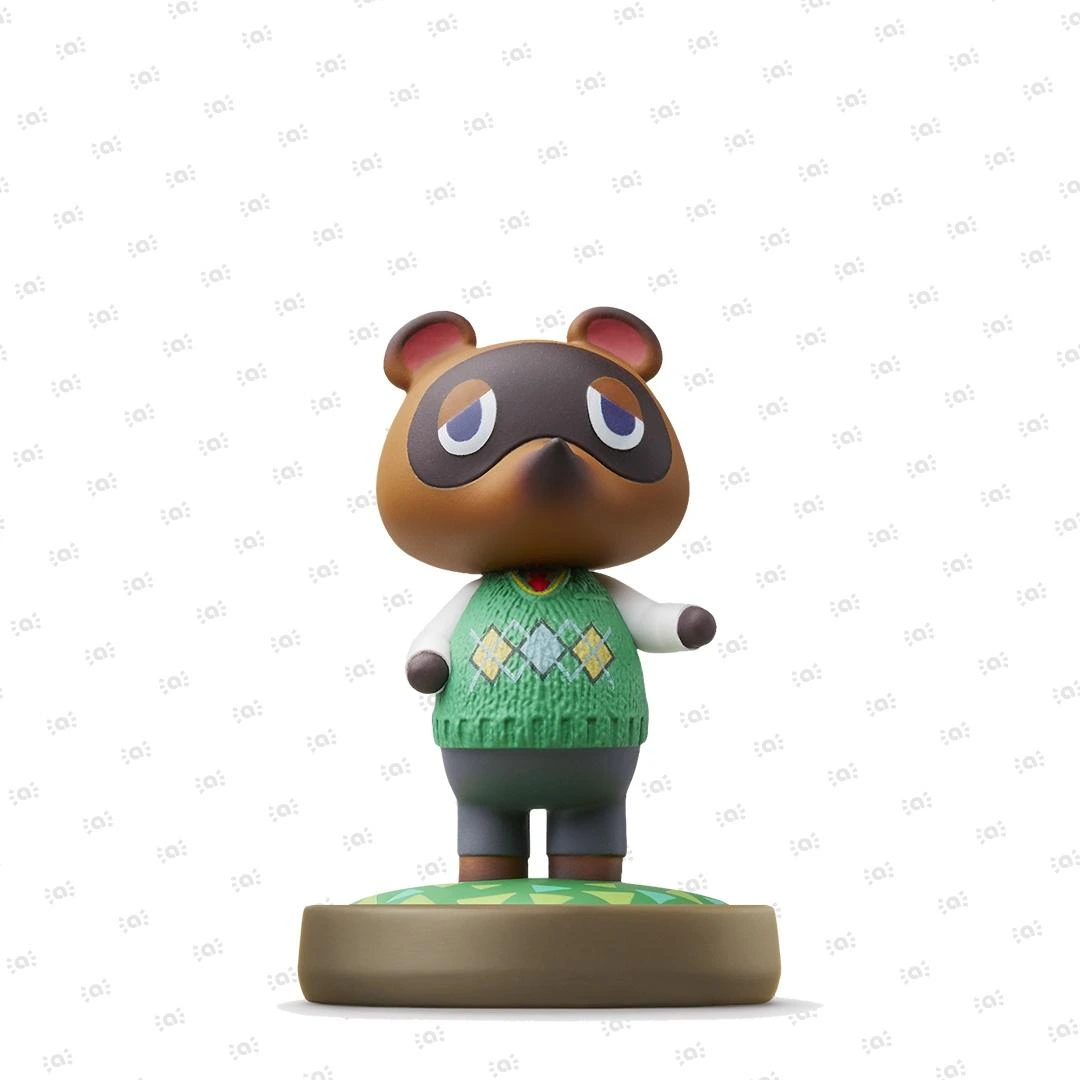

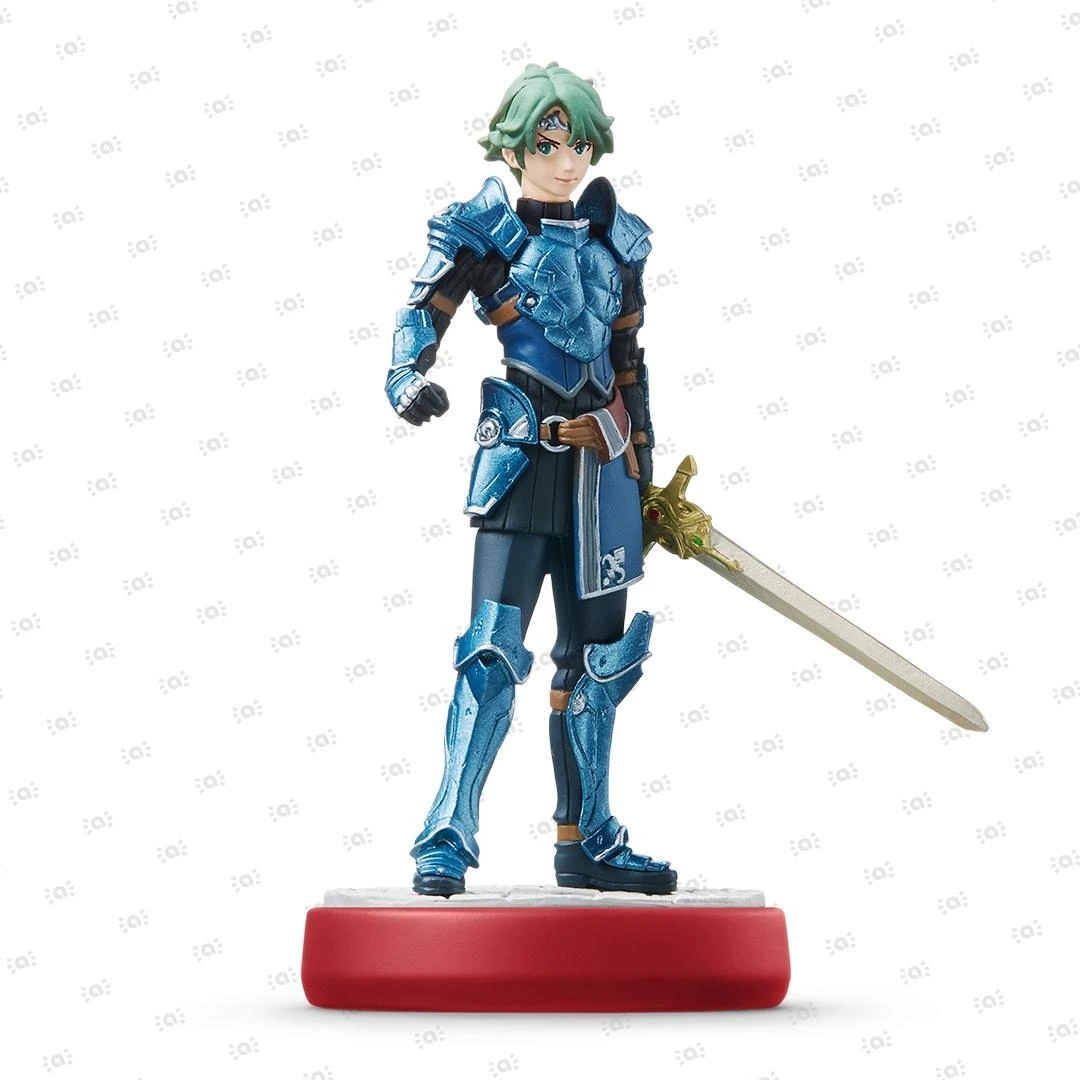
 Fire Emblem Collection
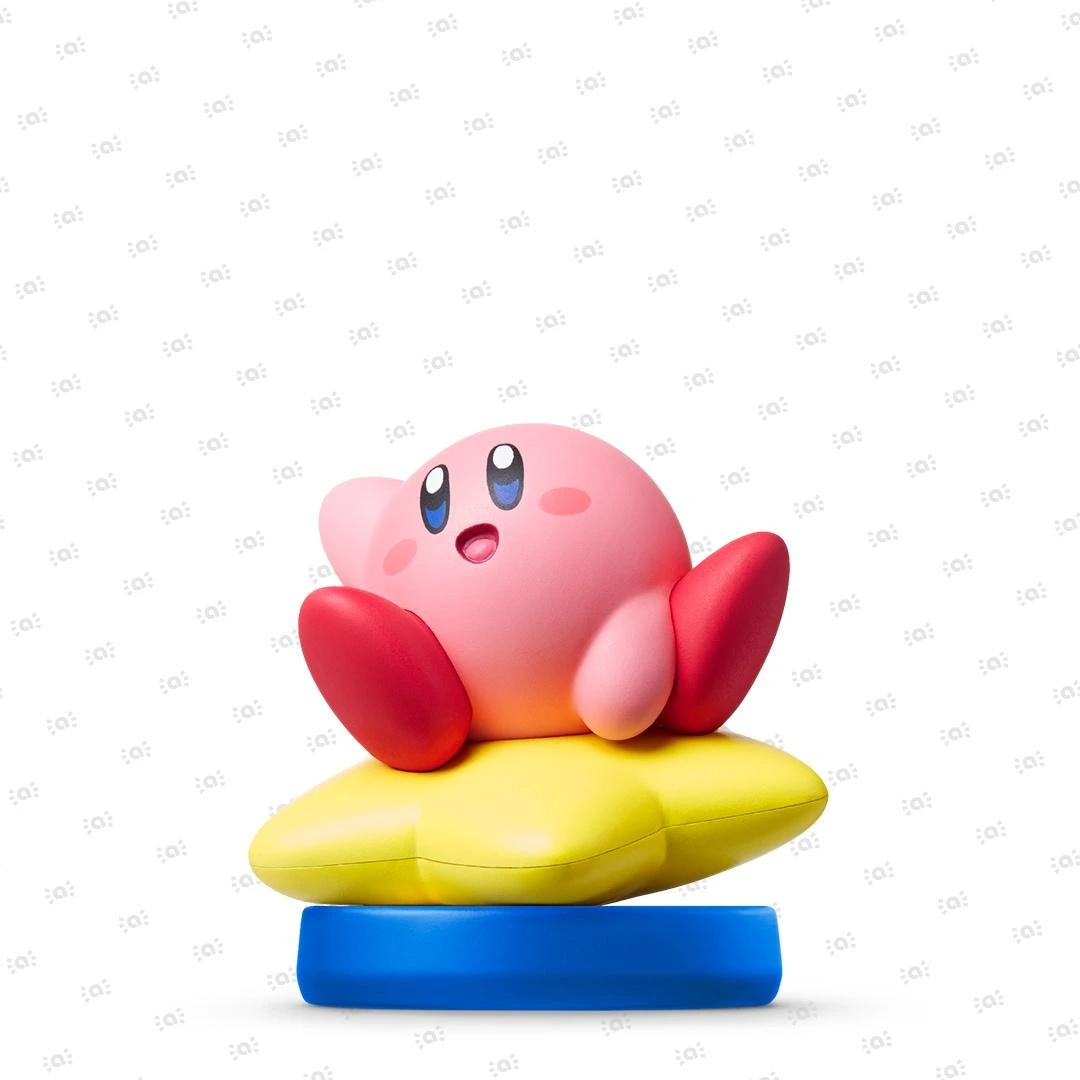 Kirby Collection
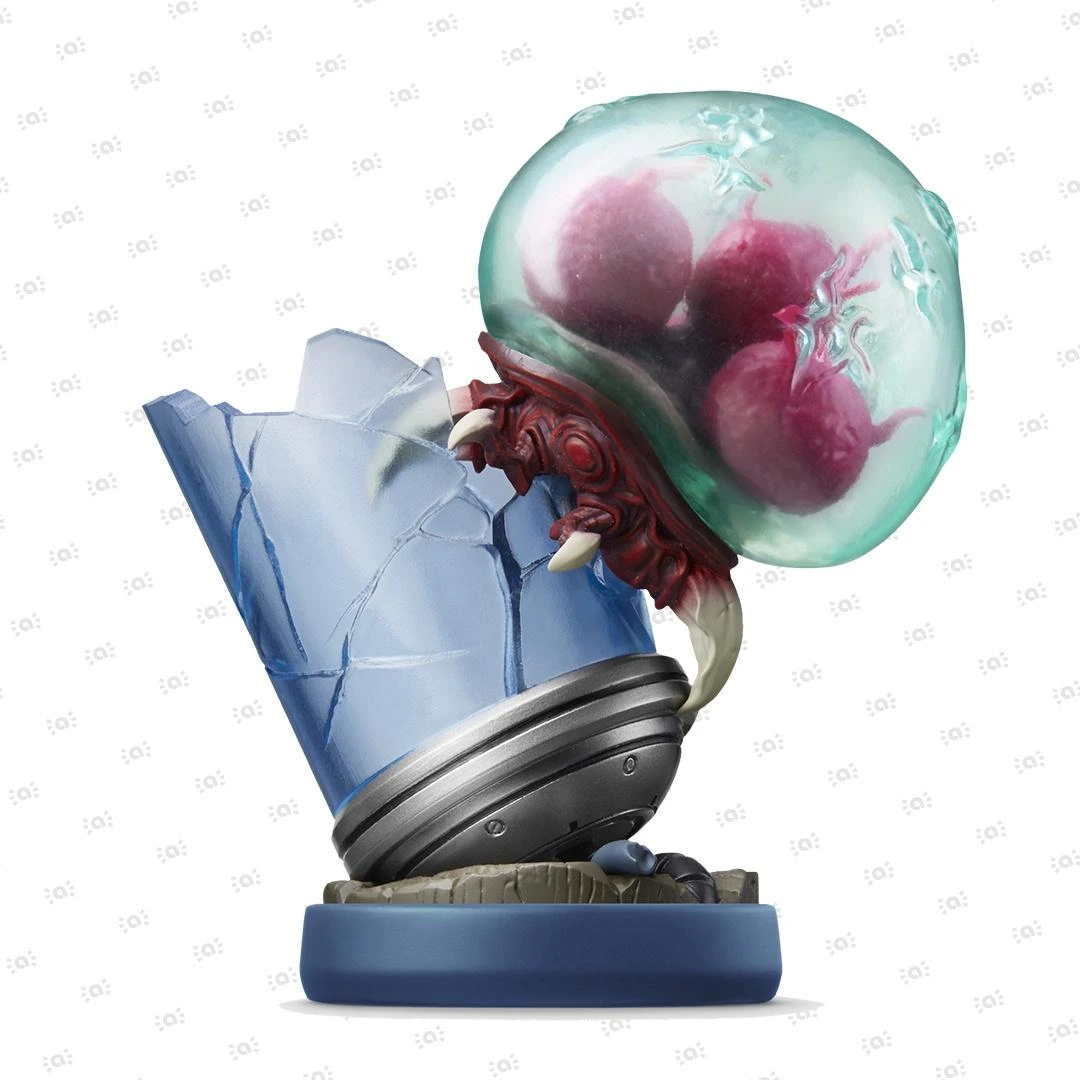 Metroid Collection
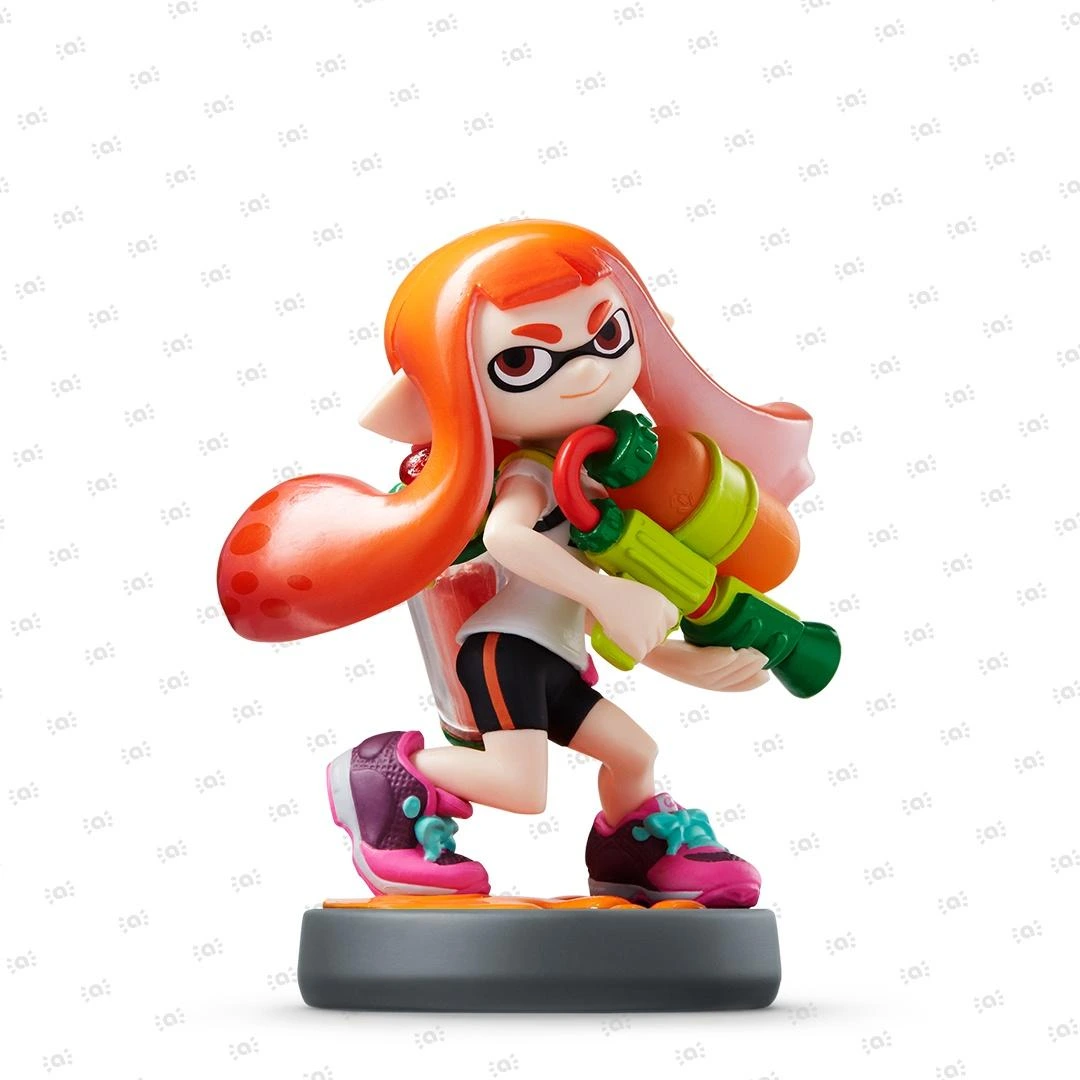 Splatoon Collection
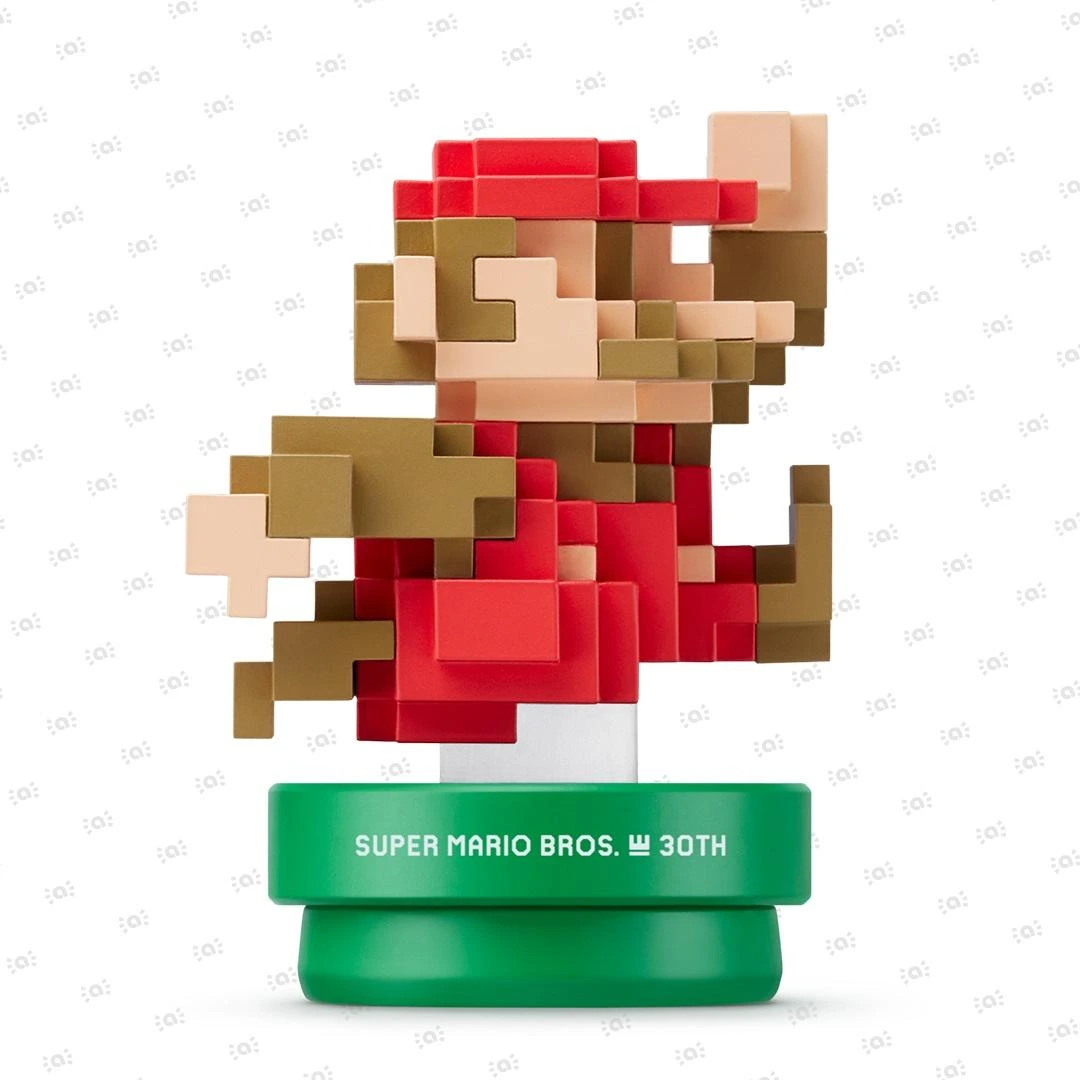 Super Mario Bros. 30th Anniversary Collection
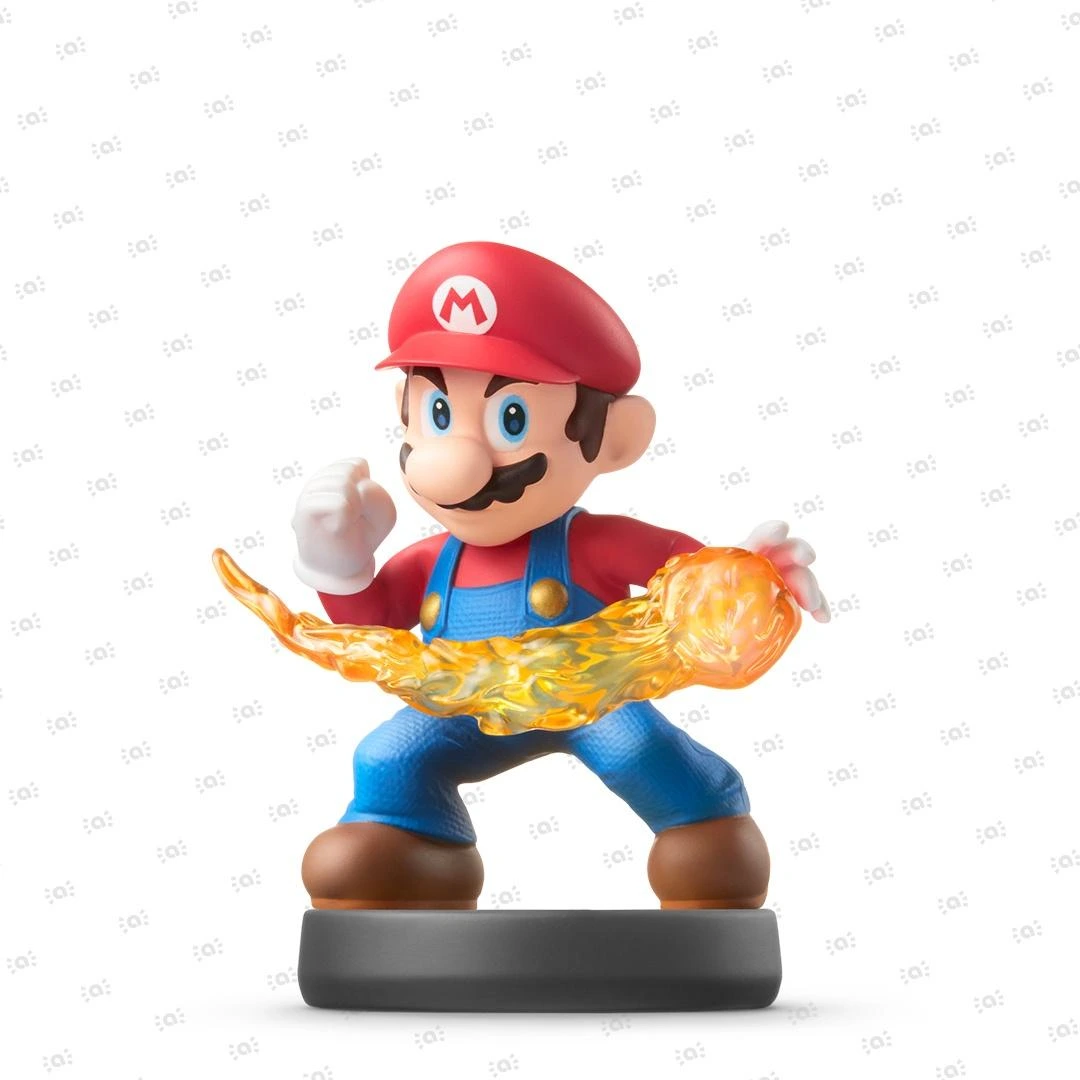 Super Smash Bros. Collection
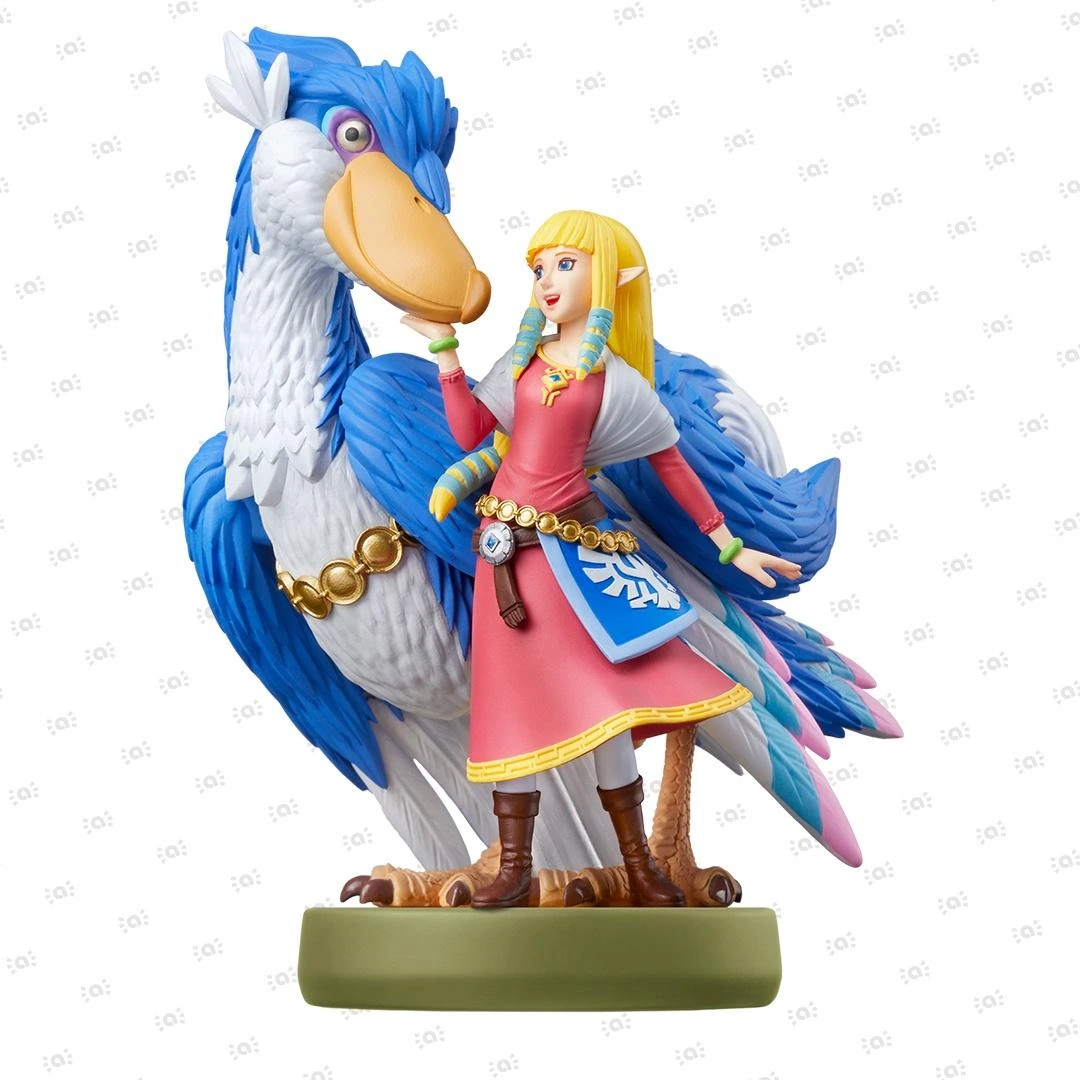 The Legend of Zelda Collection


How to Link or Unlink Your Nintendo Account to Nintendo Sound Clock: Alarmo
Steps for linking or unlinking a Nintendo Account to Nintendo Sound Clock: Alarmo.
Before you start:
To link your Nintendo Account, you will need:
- A smart device that can read QR Codes
What to do:
What would you like to do?
Link a Nintendo Account to Nintendo Sound Clock: Alarmo
- Connect Nintendo Sound Clock: Alarmo to the internet.
- Open the menu by pressing the dial (Confirm Button) once.
- Turn the dial to find the Settings screen.
- Press the Confirm Button.
- Turn the dial to find the Nintendo Account screen.
- Follow the on-screen instructions on Nintendo Sound Clock: Alarmo. Scan the QR Code with your smart device when prompted to open the Nintendo Account website and sign in to your Nintendo Account to confirm.
Unlink a Nintendo Account from Nintendo Sound Clock: Alarmo
- To unlink your Nintendo Account, you will need to restore Nintendo Sound Clock: Alarmo to factory settings. Once you have done so, you can re-link your Nintendo Account or link a different Nintendo Account.
Additional information
- Only one Nintendo Account can be linked to Nintendo Sound Clock: Alarmo at a time.
- After linking your Nintendo Account, you can download new alarms when they are released.
