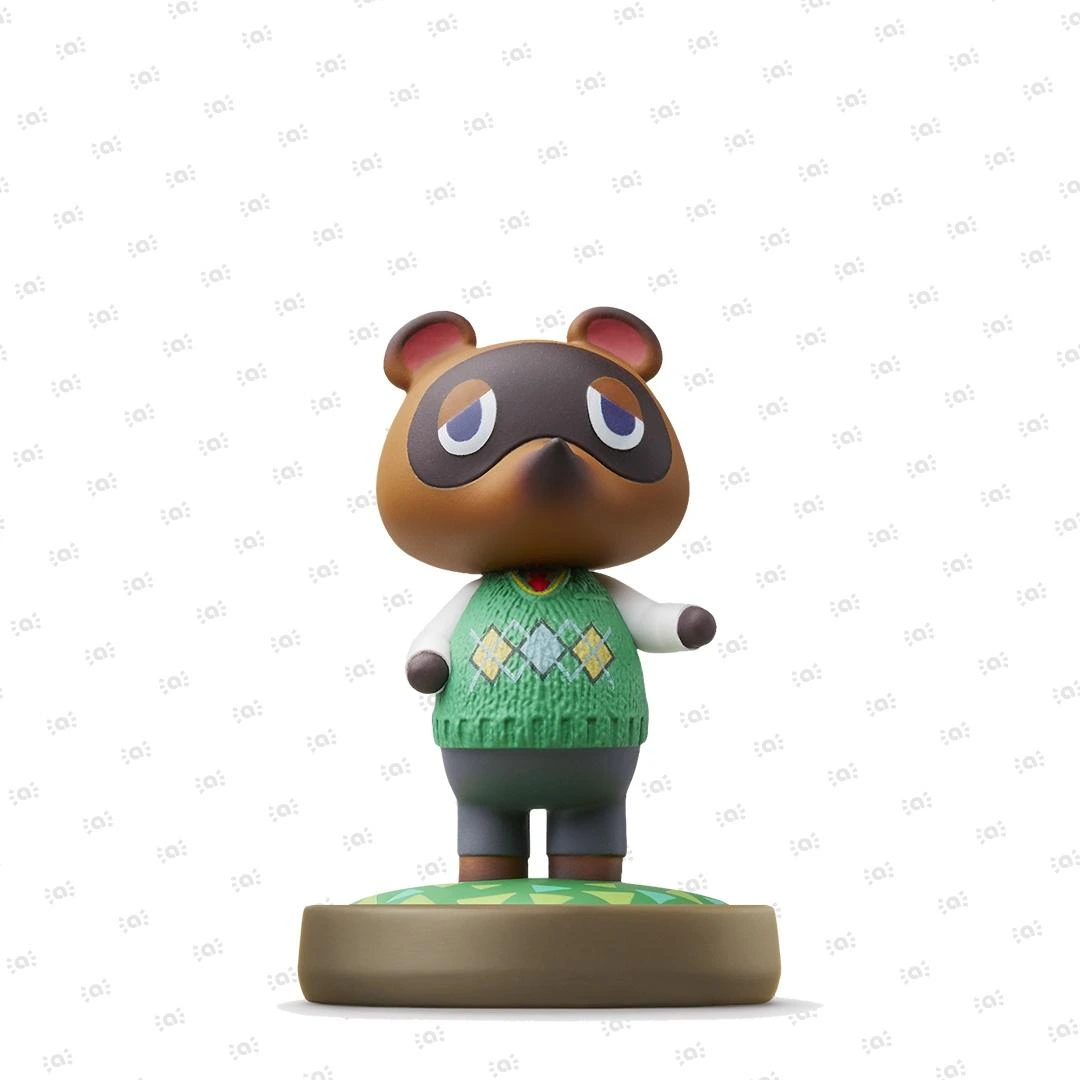

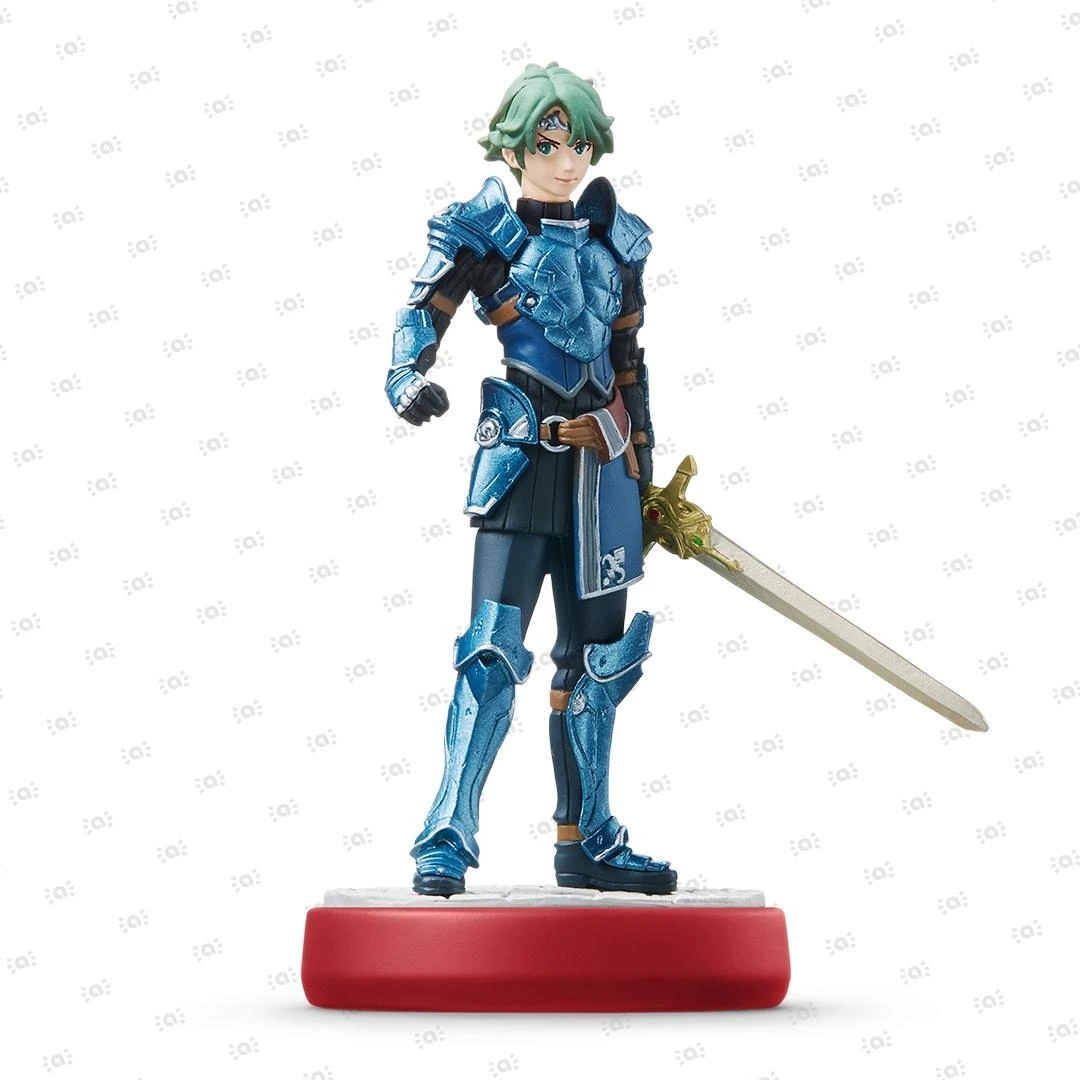
 Fire Emblem Collection
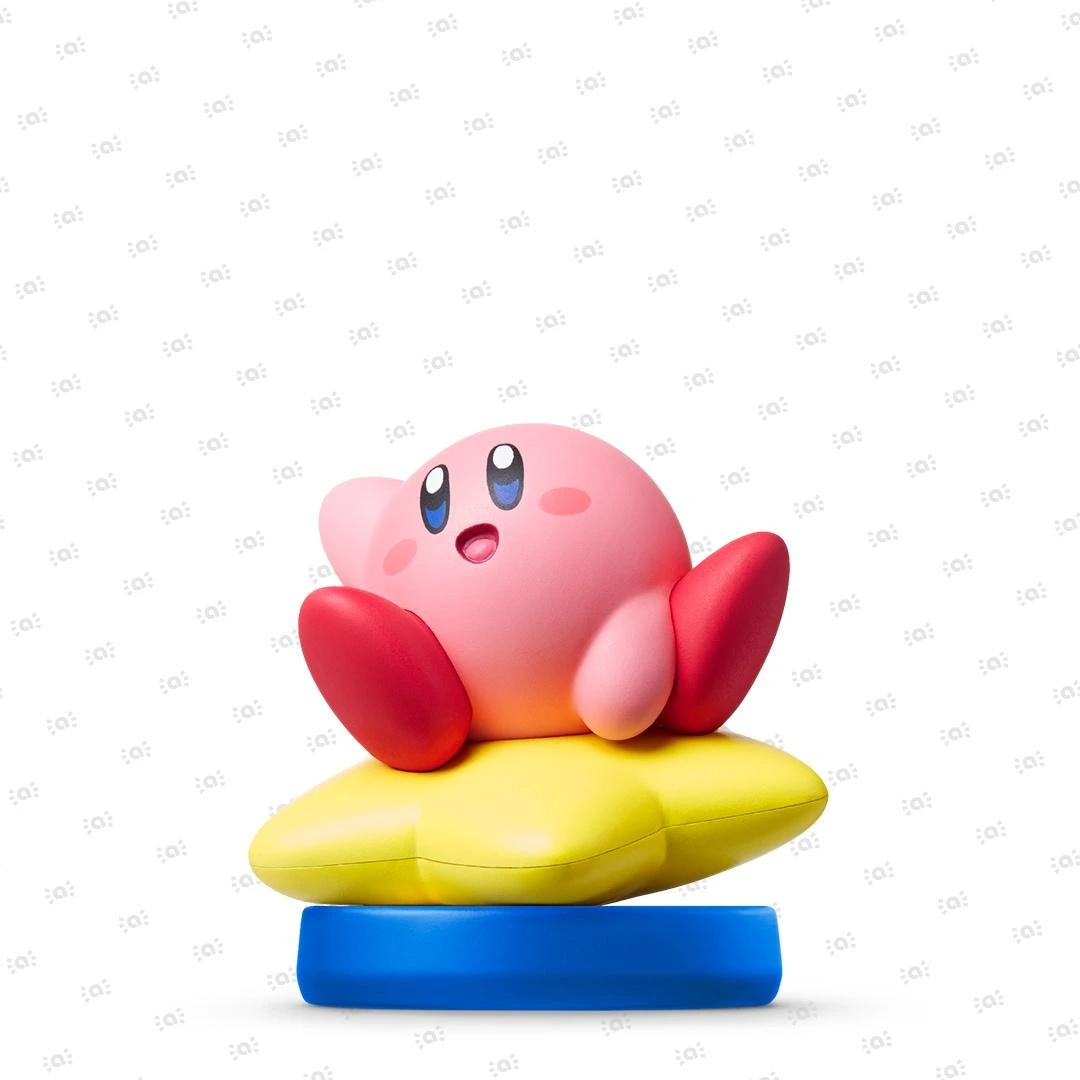 Kirby Collection
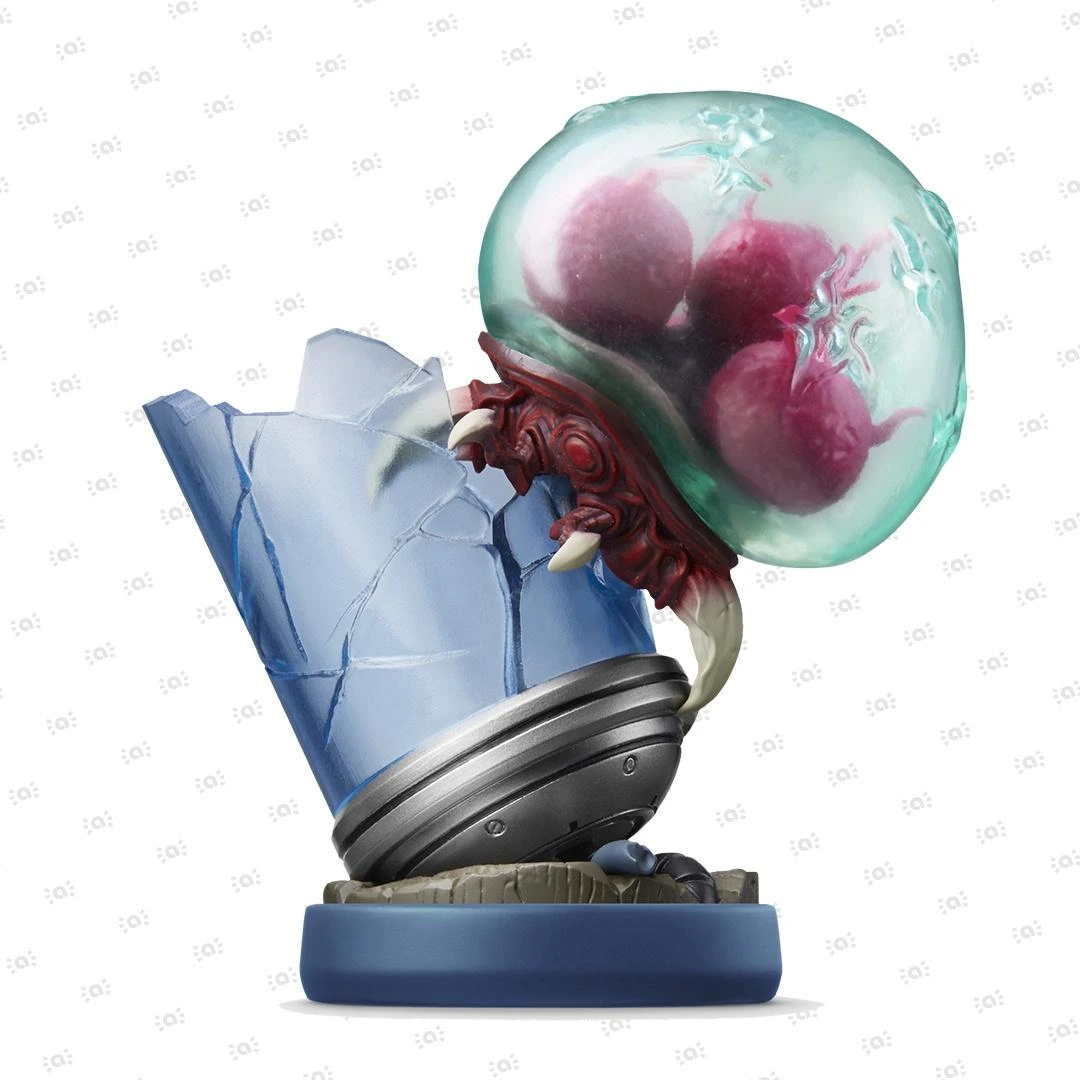 Metroid Collection
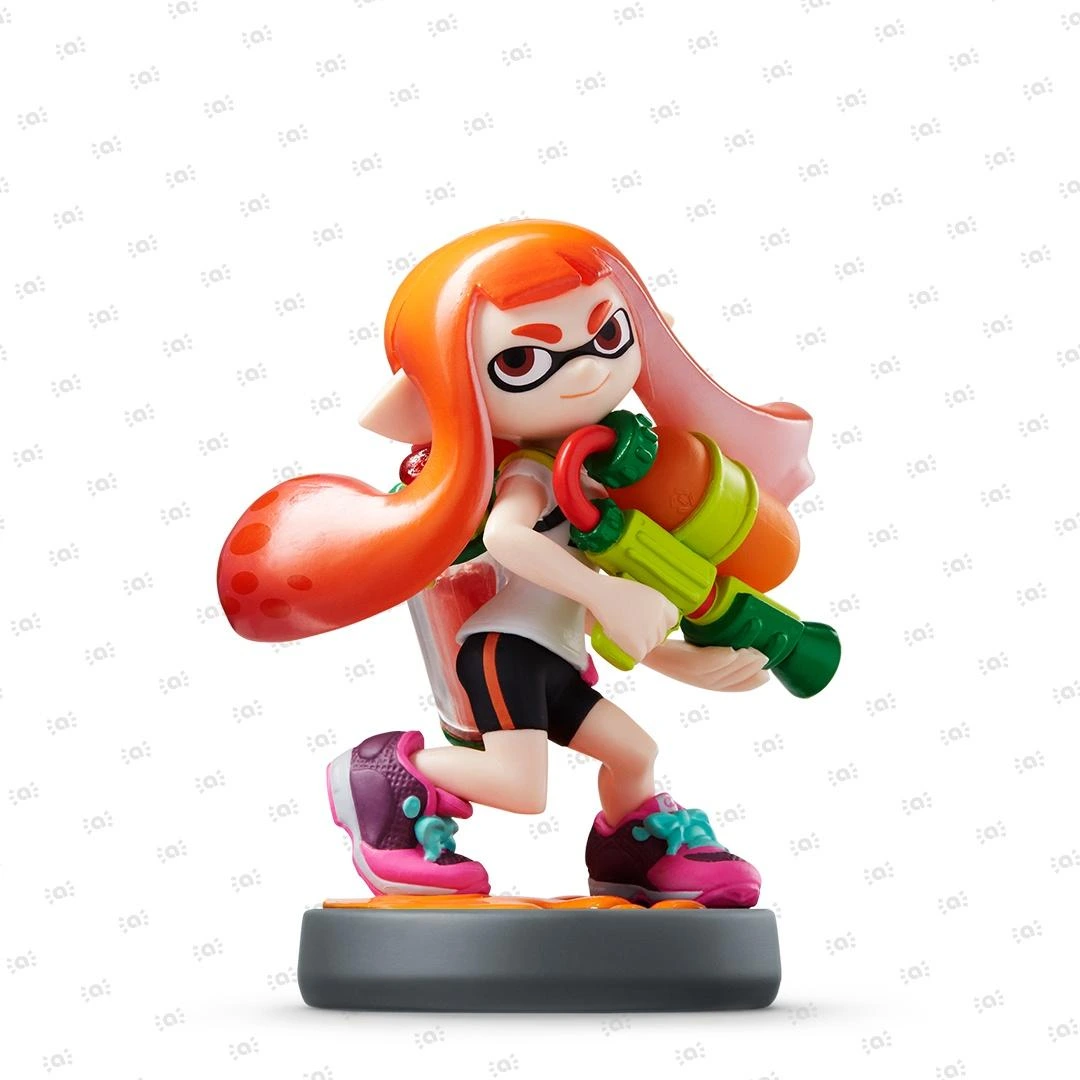 Splatoon Collection
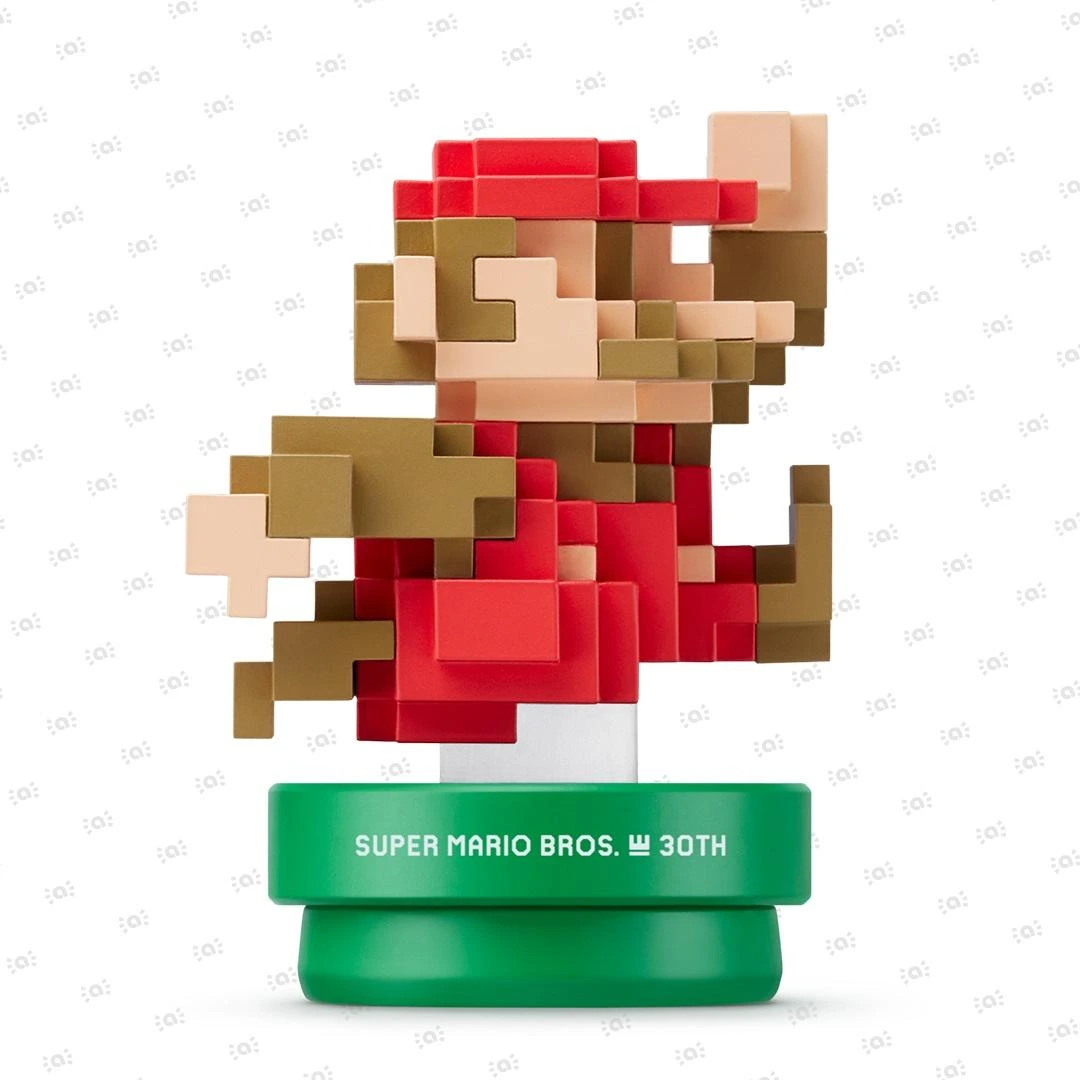 Super Mario Bros. 30th Anniversary Collection
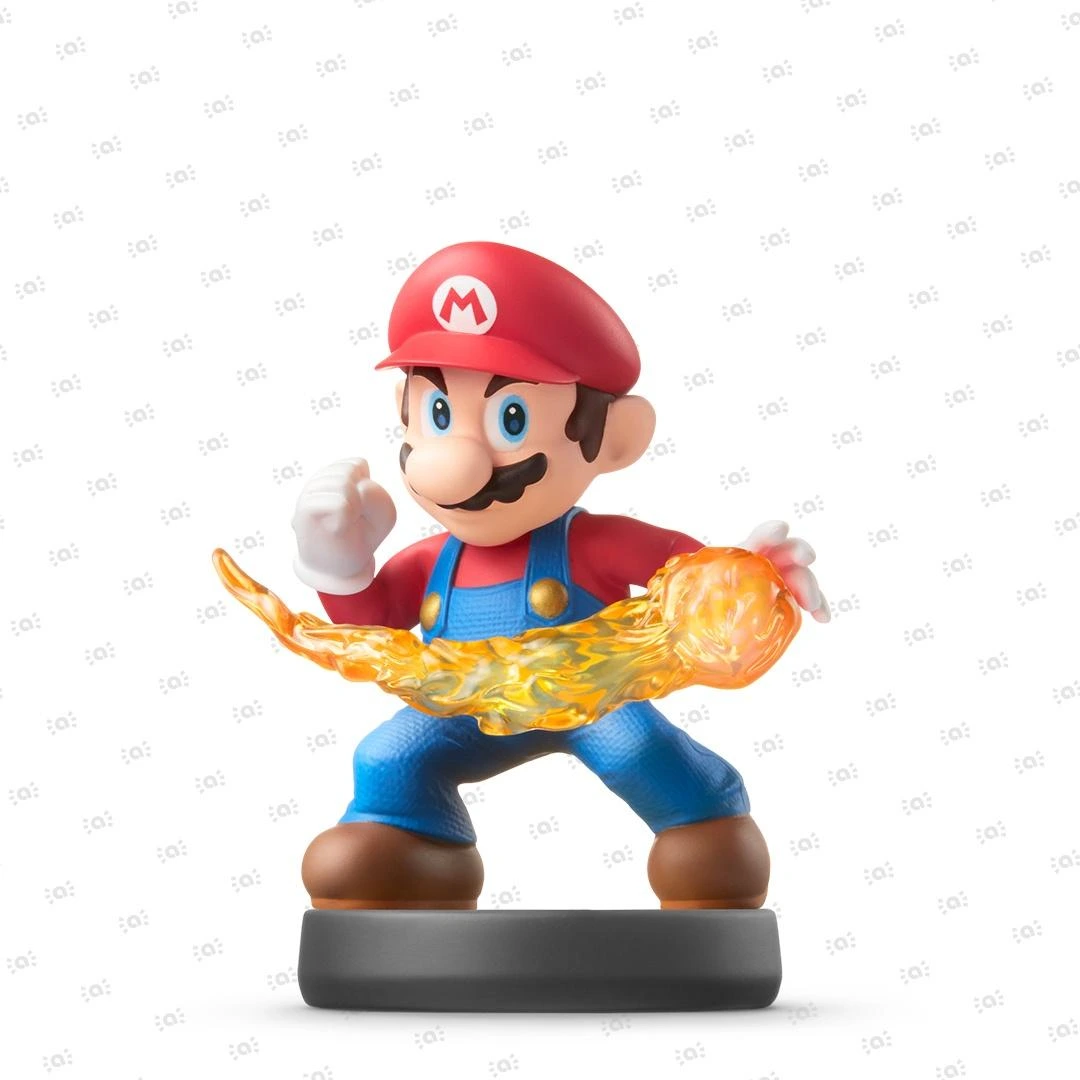 Super Smash Bros. Collection
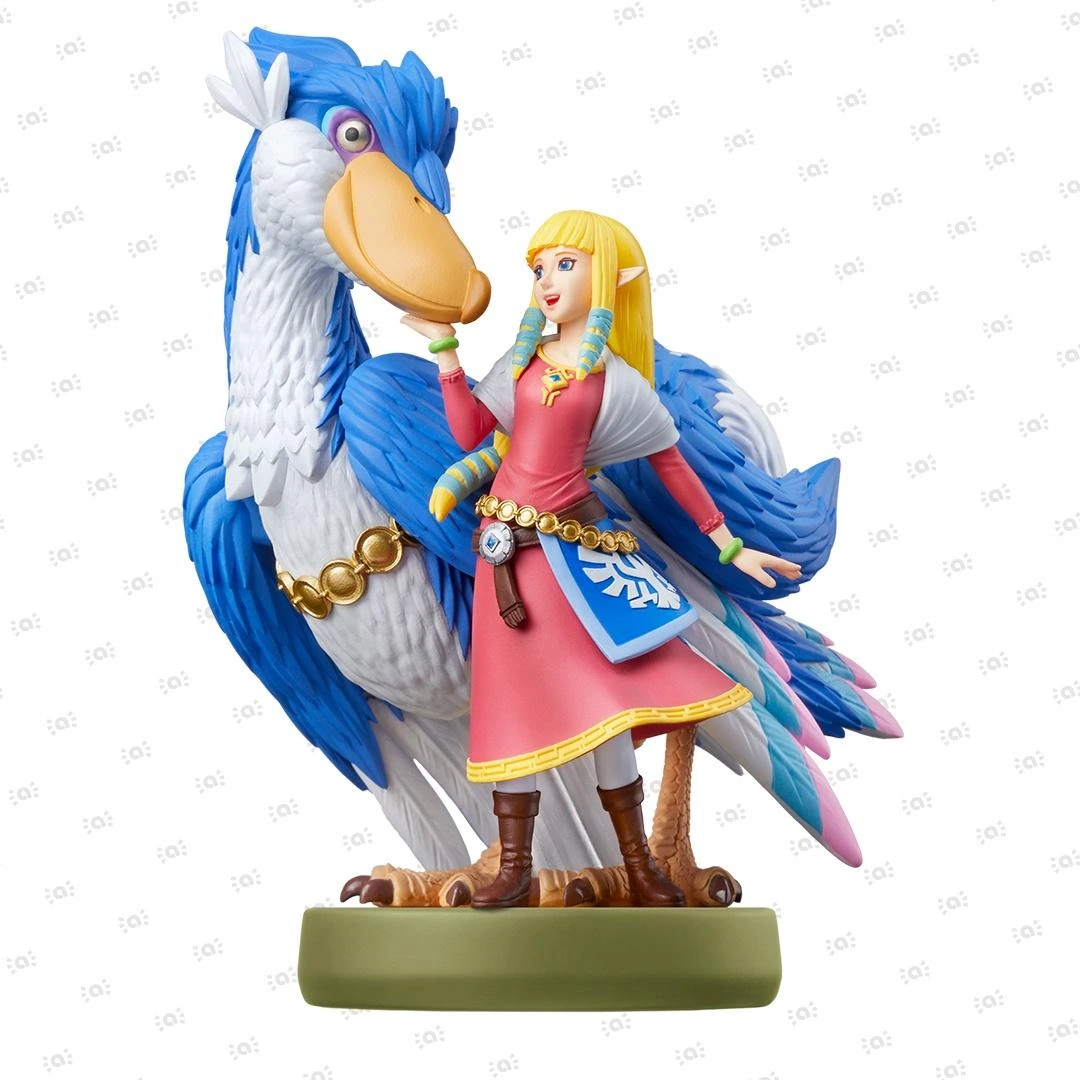 The Legend of Zelda Collection


How to Transfer Animal Crossing: New Horizons Save Data
Before you start You will need:
- Your source Nintendo Switch 2 or Nintendo Switch console
- Your target Nintendo Switch 2 or Nintendo Switch console
- Animal Crossing: New Horizons, updated to the latest version
- An Internet connection for backing up or restoring data
Animal Crossing: New Horizons allows you and up to seven other users on your Nintendo Switch 2 or Nintendo Switch console to live on one shared island. The save data for the island or for the individual residents of the island can be transferred to a new console after updating the game software to the latest version. The island save data can also be backed up in case you lose access to your console and can be restored on a replacement console.
Complete these steps
There are three ways to transfer Animal Crossing: New Horizons save data to a new console. Please read about each option to determine which feature you would like to use.
What would you like to do?
1. Transfer the entire island
This feature is helpful if you are replacing your Nintendo Switch 2 or Nintendo Switch console with a new one and all players who have played Animal Crossing: New Horizons will be using the new console. It is also the only way to transfer your island's Resident Representative when you have not backed up your island.
What is transferred:
- The island and island representative
- All progress, customizations, and items
- All animal residents
- All player residents
- Any Animal Crossing: New Horizons – Happy Home Paradise save data
- The DLC must be downloaded on your replacement console before the content can be accessed in-game.
You must have access to both the original console and the new console to use this feature.
Important: If you are transferring your island from a Nintendo Switch console to a Nintendo Switch 2 console, please see Continuing Animal Crossing: New Horizons on Nintendo Switch 2 After System Transfer via Local Communication.
2. Move a single resident (single player transfer)
This feature is helpful when just one player wants to continue playing Animal Crossing: New Horizons on a new Nintendo Switch 2 or Nintendo Switch console or when multiple residents other than the Resident Representative will be using the new console.
What is transferred:
- The individual resident
- The resident's home
- Most items held or stored by the resident
- Any Animal Crossing: New Horizons – Happy Home Paradise save data the resident has
- The DLC must be downloaded on the other console before the content can be accessed in-game.
The original island and animal residents will remain on the original console, and the island resident representative cannot be transferred.
You must have access to both the original console and the new console to use this feature.
3. Backup or restore my island data
Important: When data is restored on a replacement console, your island will no longer be fully accessible on the original console. If you still have the original console and you want to move the data to a replacement console, follow our steps to transfer the island instead.
Use the island backup feature to ensure your island save data can be recovered in a situation where you lose access to your Nintendo Switch 2 or Nintendo Switch console. You must have already enabled island backup on the original console in order to restore it on a replacement console.
What is backed up:
- The last saved version of your island, including all progress, customizations, and items
- All animal residents
- All player residents, including the island representative
- Any Animal Crossing: New Horizons – Happy Home Paradise save data
- The DLC must be downloaded on your replacement console before the content can be accessed in-game.
